1 8
Getting Started
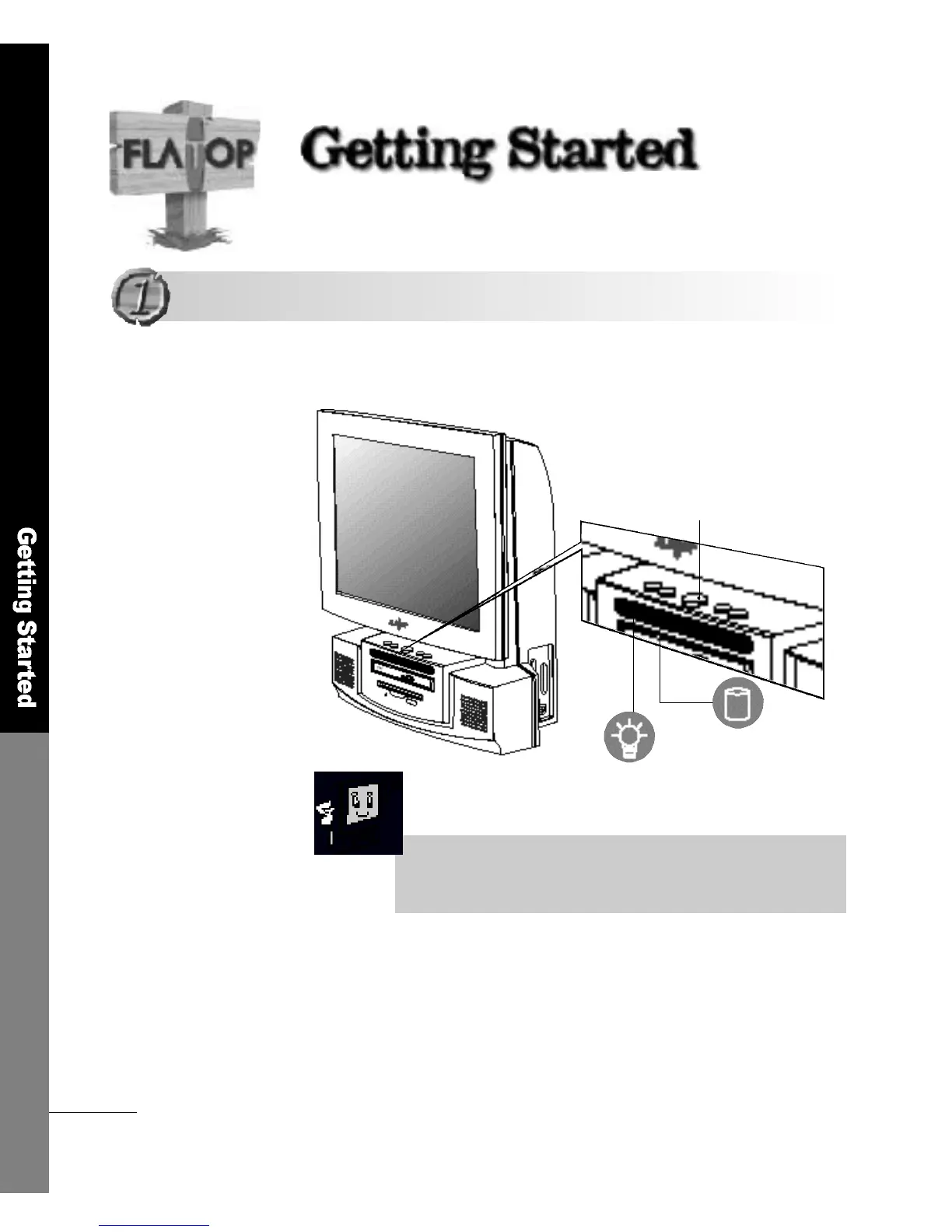
Power button
If you press the power button softly, as shown below, the power
indicator light turns on.
Please make sure that the keyboard, mouse and other peripheral
devices are correctly connected before you turn the computer on.
B o o t i n g
B o o t i n g
■For turning the power on using the key b o a rd
If using Keyboard/Mouse Power On in the [Integrated Peripherals]
section in CMOS Setup utillty, you can turn the computer on by
entering the password.
HDD indicator light
Power-On indicator light
(please refer to page 47)



 To Next Page