Getting Started
1 9
The first thing you have to do when you turn
the computer on for the first time
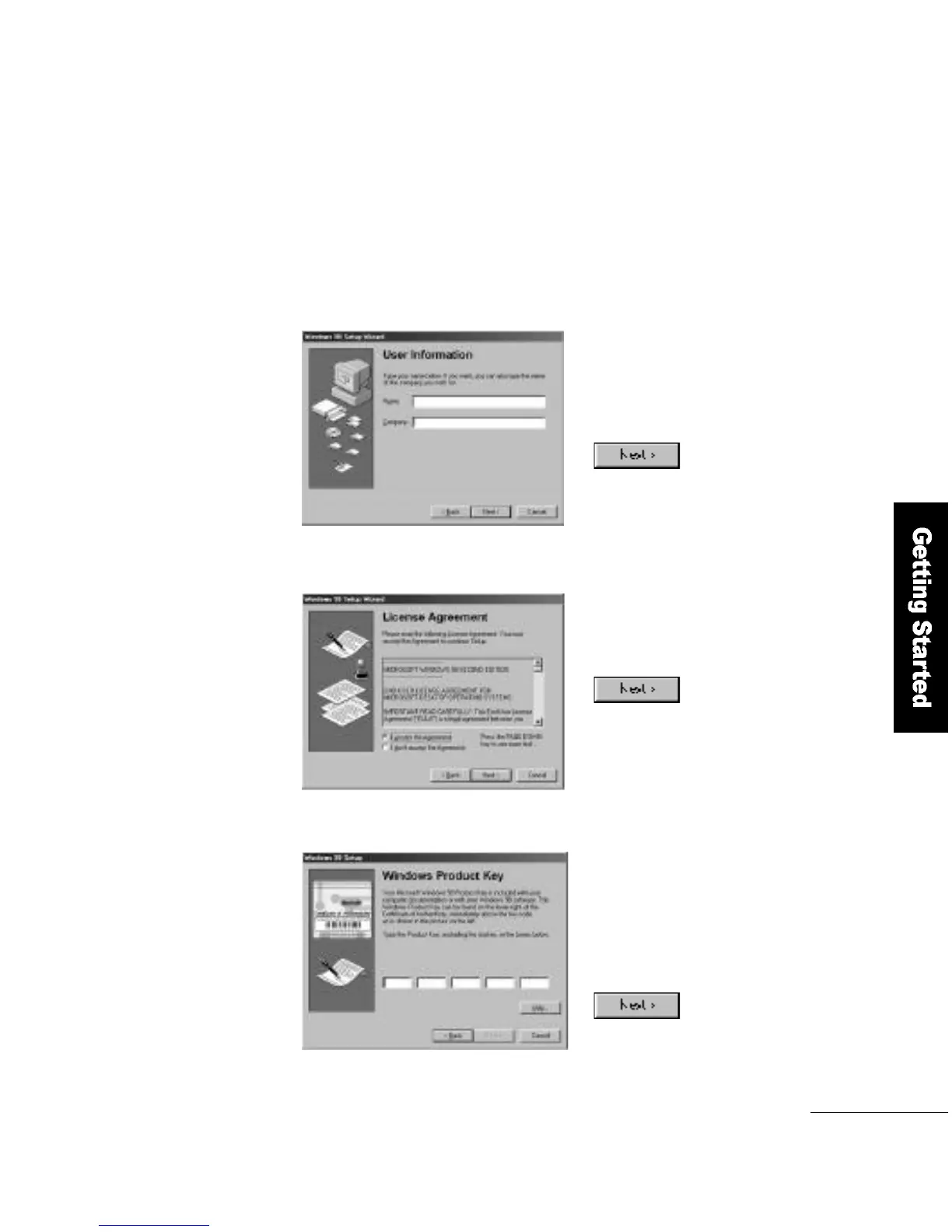
A window appears prompting you
to enter information about
yourself. Enter your name and
your company, and click the
b u t t o n .
A window showing the license
agreement appears. Select
A g r e e and click the
b u t t o n .
1
2
The authentication window appears.
Enter the product number provided
in the Windows 98 User M a n u a l
(enclosed with the computer).
Enter the number and click the
b u t t o n .
3



 To Next Page