2 6
Getting Started
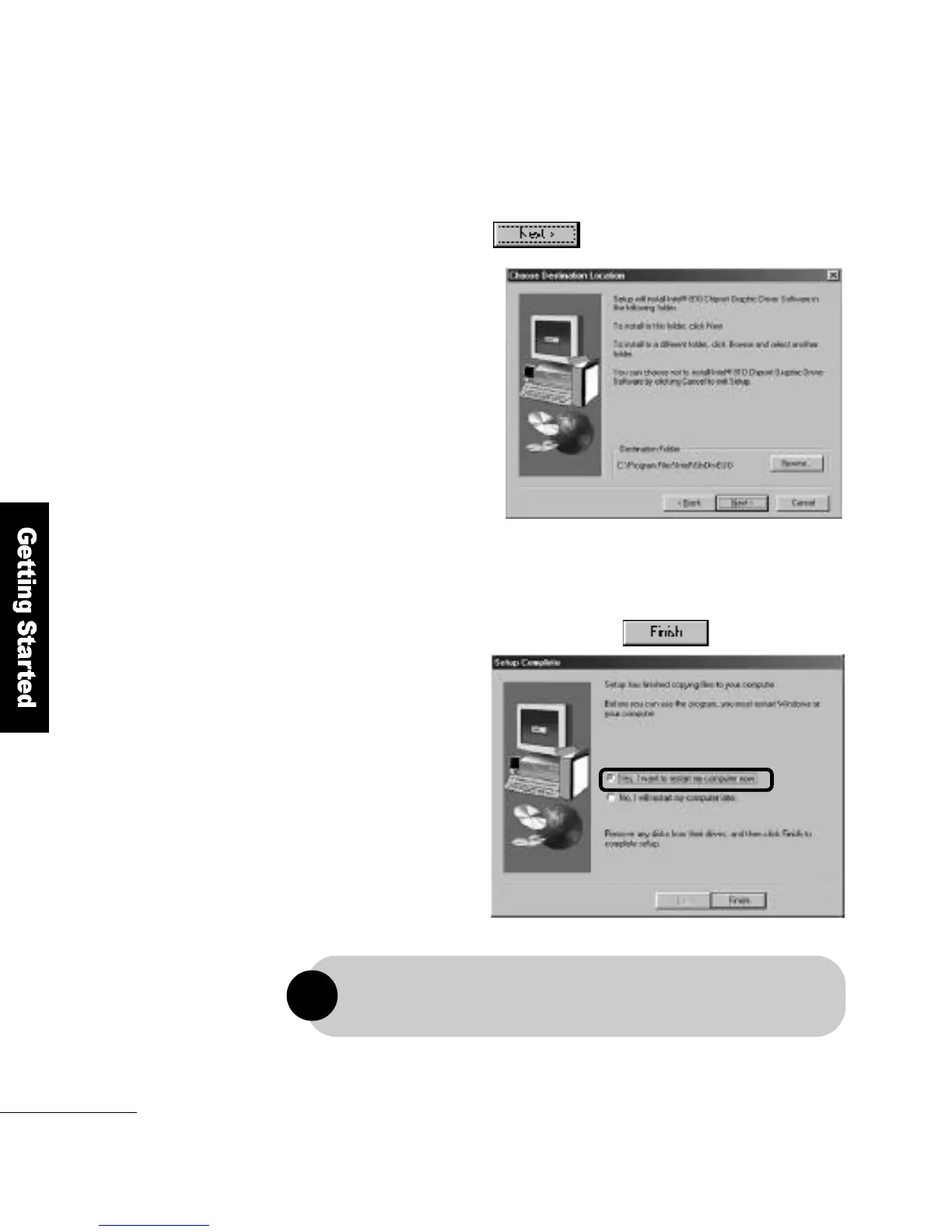
Select the folder into which the V G A driver will
be installed and click the b u t t o n .
5
When the driver installation is complete, select
Restart the ComputerN o w and click the b u t t o n .
6
For a trouble-free driver installation, please be sure to restart the computer.
!



 To Next Page