Getting Started
3 9
During installation,
the computer may need
the Windows 98 CD. So,
please have the CD ready.
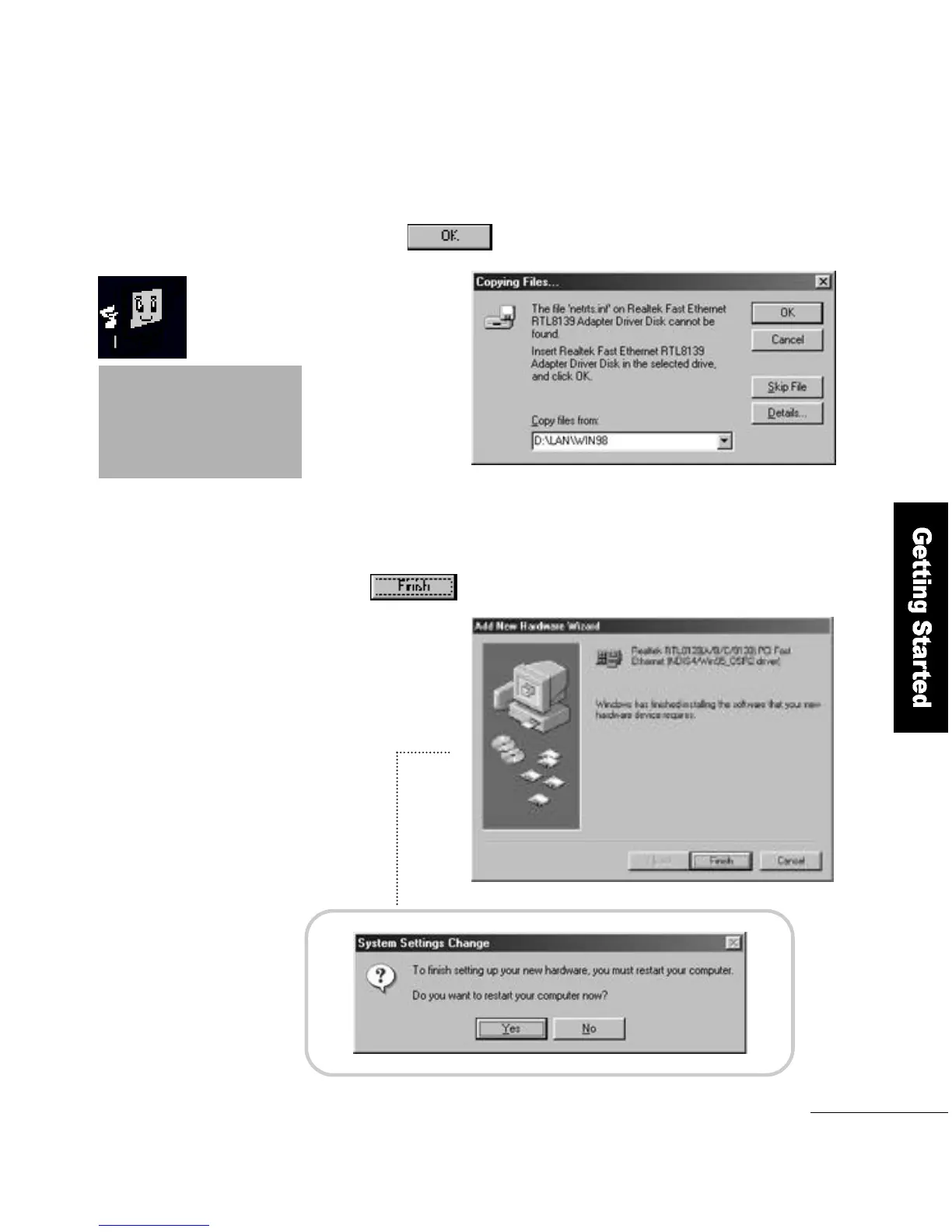
If the computer looks for r t l8 1 3 9 . s y s during
installation, specify the D :\L a n\w i n 9 8 folder
and click the b u t t o n .
7
When the driver installation is complete,
click the button to restart the computer.
8



 To Next Page