Getting Started
4 1
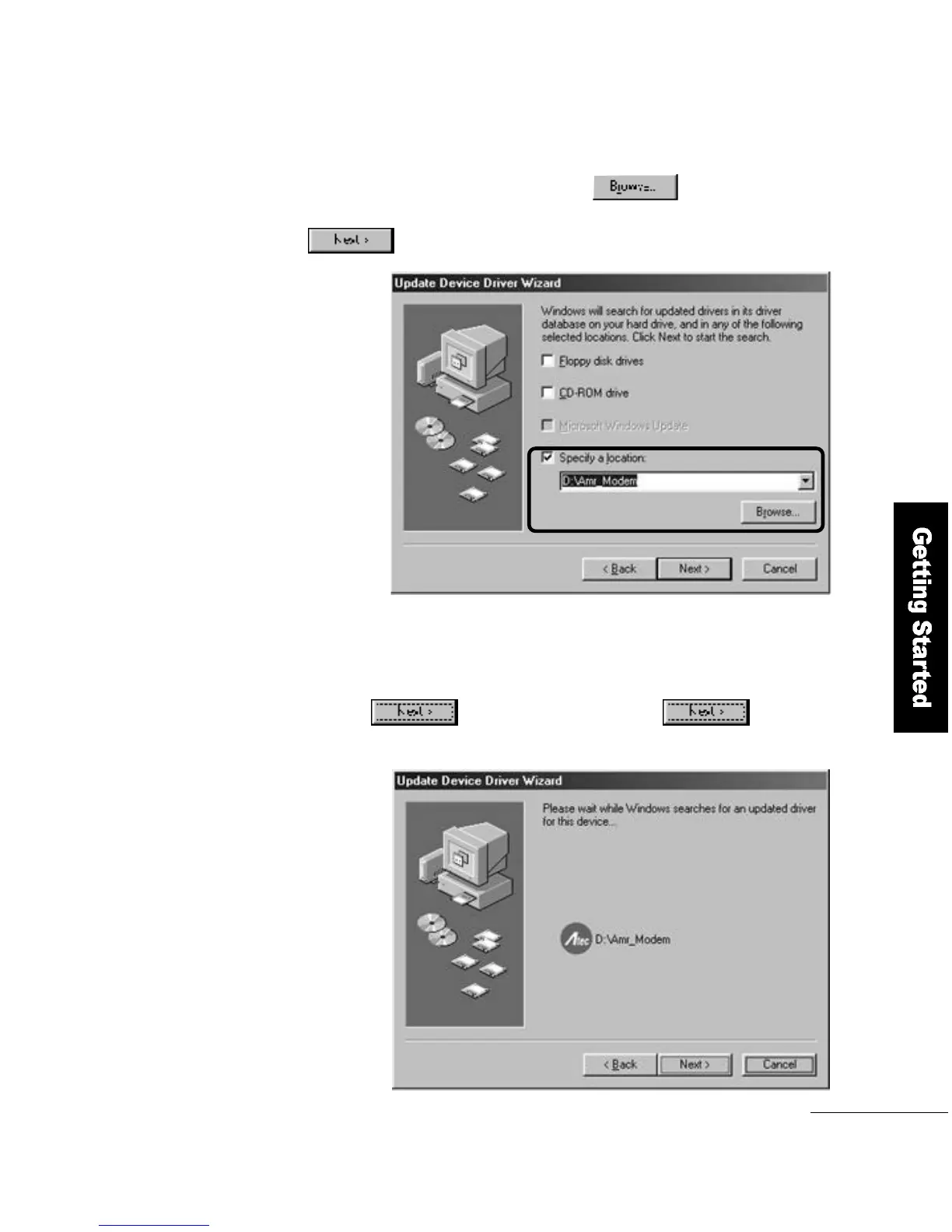
Select the location to search. Click the
button to specify the driver′s location and then click the
b u t t o n .
2
If the device name for the driver you want to install matches,
click the button. When you click the button,
the file copy will begin.
3



 To Next Page