FT-13 Technical Manual, Rev. 1.40 March 2013
8. COMMUNICATION
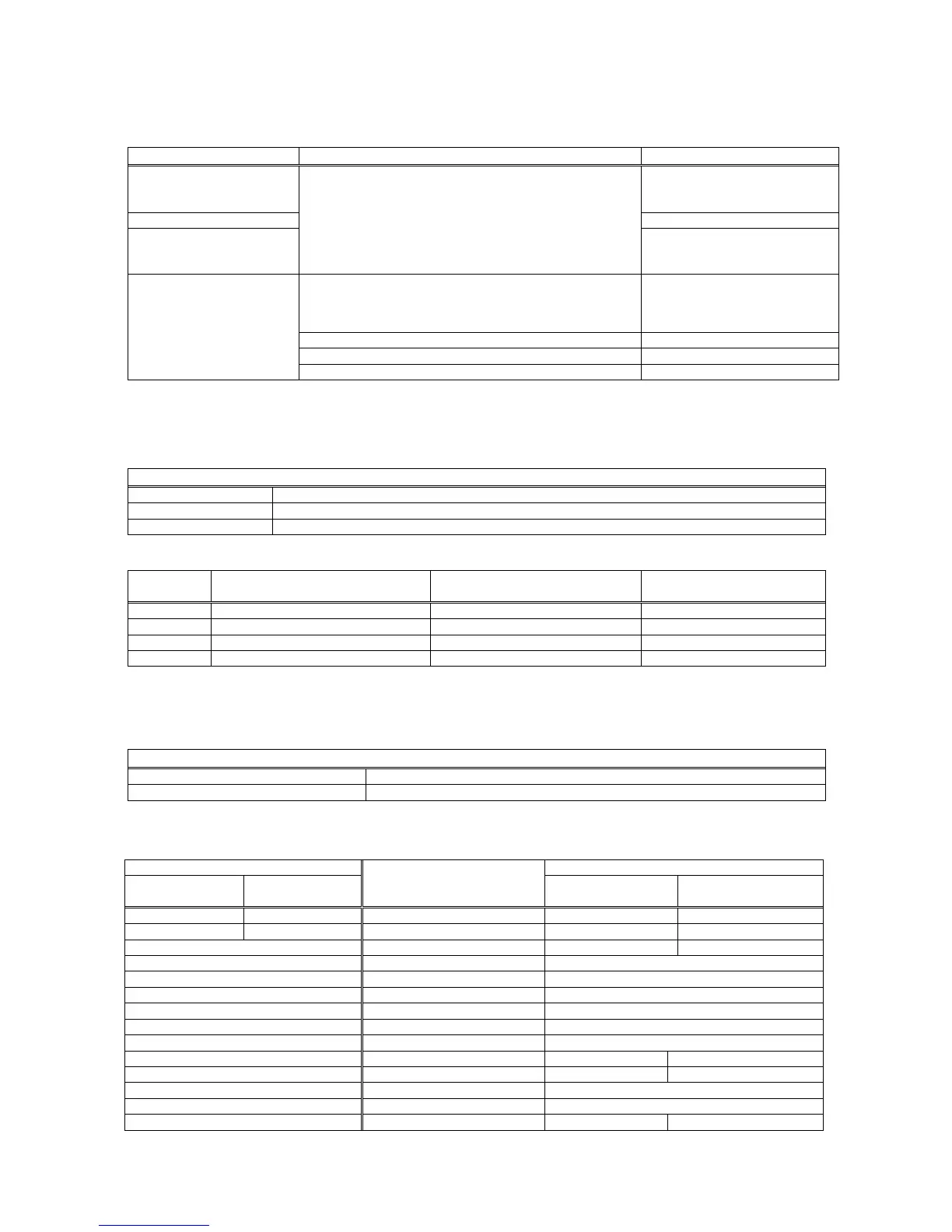
8.1 Overview about Communication
Data export to PC; Remote
display; Remote control via
ASCII input (Z, T, C)*
Standard Serial Interface (RS232C)
OR
Option Serial Interface 2 (RS232C, RS485, 20mA TTY)
OR
Option Ethernet (see Chap. 8.3)
Continuous output mode; see
Chap. 8.2.3 and Appendix 2
Host mode; see Chap. 8.2.4
Data export to PC; Output
to printer; Remote control
via ASCII input (P, Z, T, C)*
Print mode; see Chap. 8.2.5
Process control
(PLC, DCS, SCADA...)
Option Serial Interface 2 (RS485)
OR
Option Ethernet (see Chap. 8.3)
Modbus RTU;
see Appendix 3
Option Profibus; see Chap. 8.4 + Appendix 4
Option ProfiNet; see Chap. 8.5 + Appendix 4
Option CANopen, see Chap. 8.6 + Appendix 5
* Z = Zeroing; T = Tara; C = Clear; P = Print
8.2 Serial Interface and Printer
8.2.1 Standard Serial Interface Connector (RS232C)
Standard 1
st
serial interface; Parameter group [00-]
1200, 2400, 4800, 9600, 19 200, 38 400 or 57 600 baud
8 bit no parity OR 7 bit even parity OR 7 bit odd parity
1 start bit and 1stop bit
The connection of the standard RS232C of the instrument should be made as given in the table below.
Panel type housing;
Pin no. (D-Sub, 9-pin, male)
Stainless steel housing
Pin no. (J11 connector)
RS232C;
typical PC allocation
You have to connect each TXD (output) with RXD (input) at the other end.
8.2.2 Optional Serial Interface Connector (RS232C, RS485, 20 mA TTY)
An additional serial interface can be added in addition to the standard RS232C port.
Optional 2
nd
serial interface; Parameter group [02-]
Baudrate; Data format; Start / Stop bit
As standard serial interface
RS232C / RS485 / 20 mA TTY current loop (field changeable);
20 mA TTY current loop not available with stainless steel housing
Up to 32 instruments can be connected with enabled RS485 port.
The pin configuration of the optional D-Sub 25-pin female connector is given below.
Pin no.
for desk and panel types
(D-Sub, 25-pin, female)
Pin no. for stainless steel housing
JR1 / JR2 connector
(Option 2 or 3)


 To Next Page