FT-13 Technical Manual, Rev. 1.40 March 2013
APPENDIX 4: PROFIBUS DP / PROFINET DATA STRUCTURE
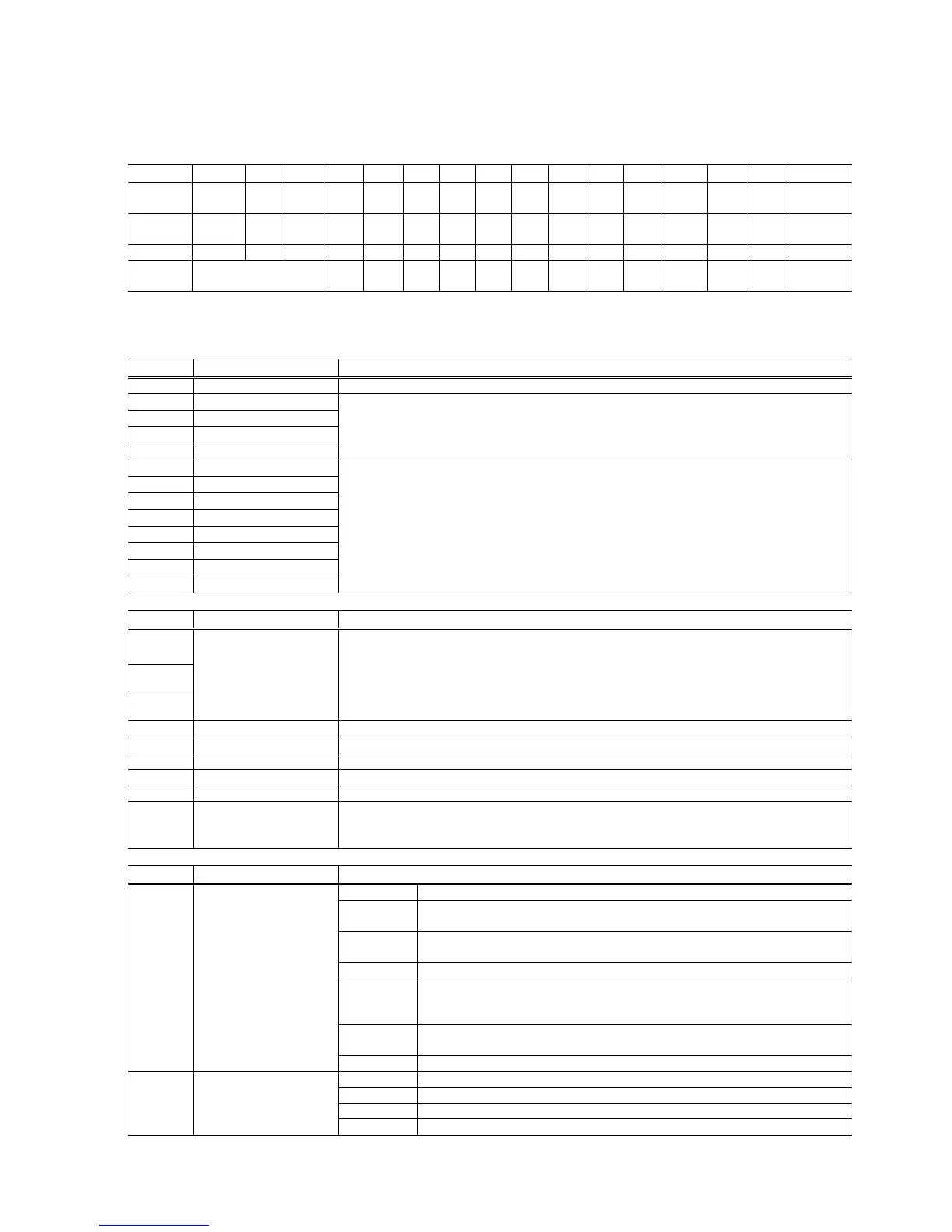
The output from FT-13 on PLC requests is in four words and according to the table below.
FT-13 Output
Here the first and the second word provide the weight information (32-bit signed integer; WXX = Weight bit XX;
W31 = MSD; W0 = LSD ) and the third and fourth word is the status as indicated below.
Input bit status (Active = 1)
Output bit status (Active = 1)
Description in normal operation
FT not in weighing mode or filling mode
This bit is toggled when a new command was accepted
0: Gross Mode; 1: Net Mode
0: Check the error bits; 1: Scale is operating properly
Update in progress
(Data integrity)
0: PLC should not use the data; 1: use the data
(if 0, the instrument was updating the PLC interface shared memory while data was
read. The PLC interface should ignore this data and rescan.)
Description during the calibration
Calibration Timeout – Restart calibration
ADC Error – Re-energize the instrument
– If seen again, change board.
Instrument cannot be calibrated – Check load cell cable
– Re-energize the instrument
Instrument cannot be calibrated – Load cell signal is too low or too high
Calibration Error
– Calibration test weight is too small, increase calibration weight
– Check load cell connections
Scale unstable – Wait until scale becomes stable
– Check grounding wiring
Calibration Jumper is not installed- Check Calibration jumper
Zero calibration in process
Span calibration in process
Calibration error (see bit 15...8)


 To Next Page