FT-13 Technical Manual, Rev. 1.40 March 2013
APPENDIX 6: ERROR TABLE
The FT-13 Weighing Controller has been designed as very reliable and virtually error free instruments.
However if an error occurs do not attempt to repair the equipment before you understand what caused the
error. Note the problems you have with your instrument and the error messages shown on the display. Then try
to solve the problem according to the error table given below.
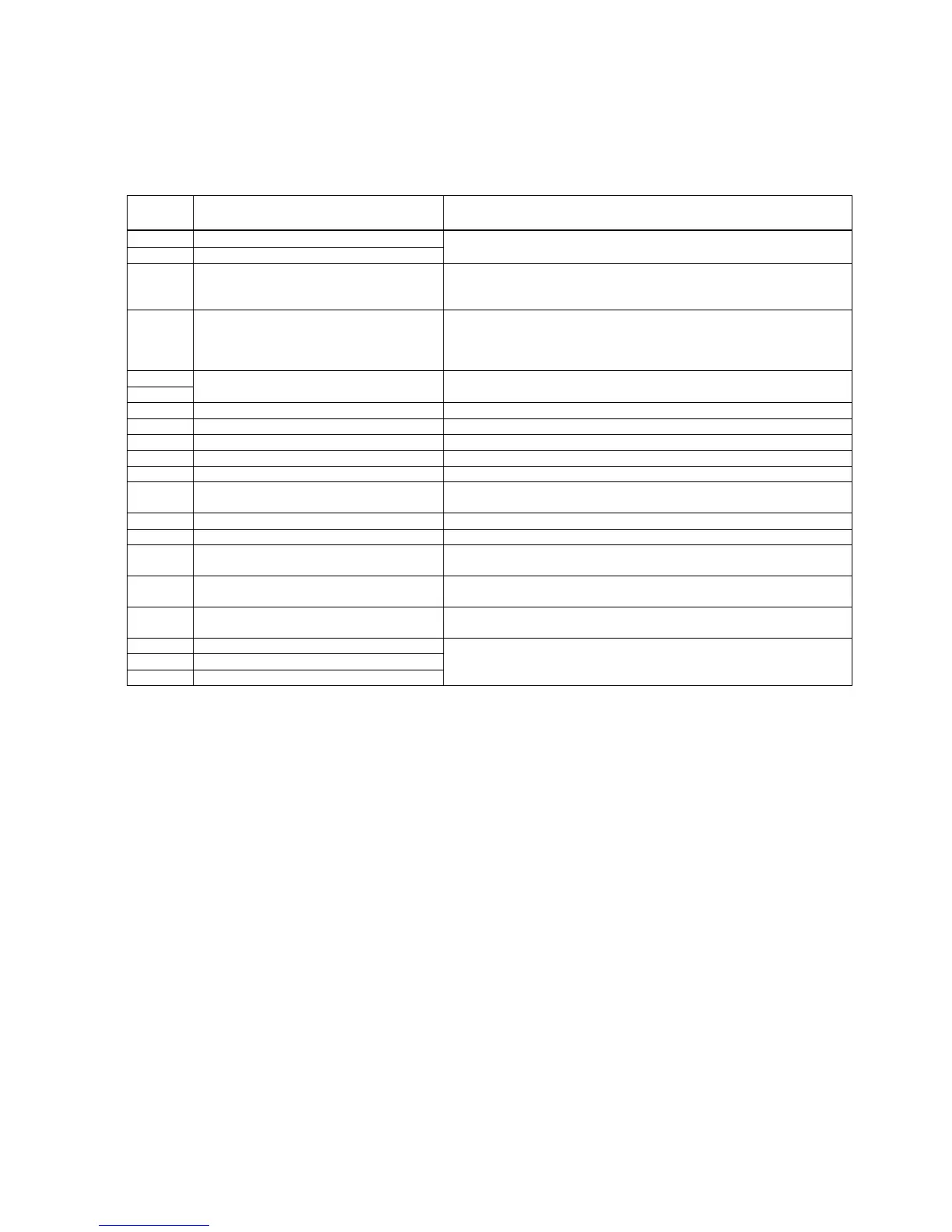
Actions to take / Possible cause
Check the load;
Load cell or instrument could be defective
Input signal outside the input range
Check the load;
Check the calibration;
Load cell or instrument could be defective
- The scale must be stable for zeroing, taring, tolerance control, etc.
- Increase the maximum settling time (parameter [506])
- Increase the zeroing delay (parameter [50F])
- Increase the range of the motion detector (parameter [206])
Re-energize indicator;
Contact FLINTEC
Indicator cannot get calibrated
Check load cell and load; then repeat the calibration
Configure the instrument; EEPROM defective
Indicator is not calibrated
Adjust Date & Time;
Replace the battery
Indicator cannot get calibrated
Load cell signal is negative , very low or too high
Calibration test weight is too small;
Check load cell connections
Wait until scale becomes stable;
Check ground connection
Filling programme was changed (previous
process parameters have been cleared)
Press the <Enter> key; then setup all parameters for the new
programme
U10 (eeprom) is not installed
U8 (eeprom) is not installed


 To Next Page