FLIRTG165USERGUIDEDocumentIdentifier:TG165‐en‐US_AA
15
8Operation
8.1SwitchONtheTG165
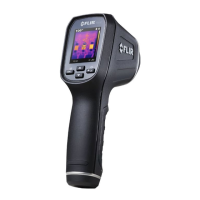
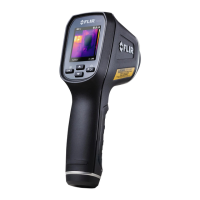
Pressandhold for>2secondstoswitchtheTG165ON.Iftheunitissufficientlycharged,themeterwilldisplay
theFLIRlogostart‐upscreenasshownbelowinFig8‐1.Afterthestartupperiod,theTG165willshowarealtimeIR
thermalimagealongwithanIR
Temperaturereading(intextabovethethermalimage).Ifthemeterdoesnot
switchON,pleaserefertoSection6PoweringtheTG165,forinformationregardingbatterycharging.
Fig8‐1Start‐upScreen


 To Next Page