FLIRTG165USERGUIDEDocumentIdentifier:TG165‐en‐US_AA
23
9.11FirmwareInformationandCalibrationDateViewing
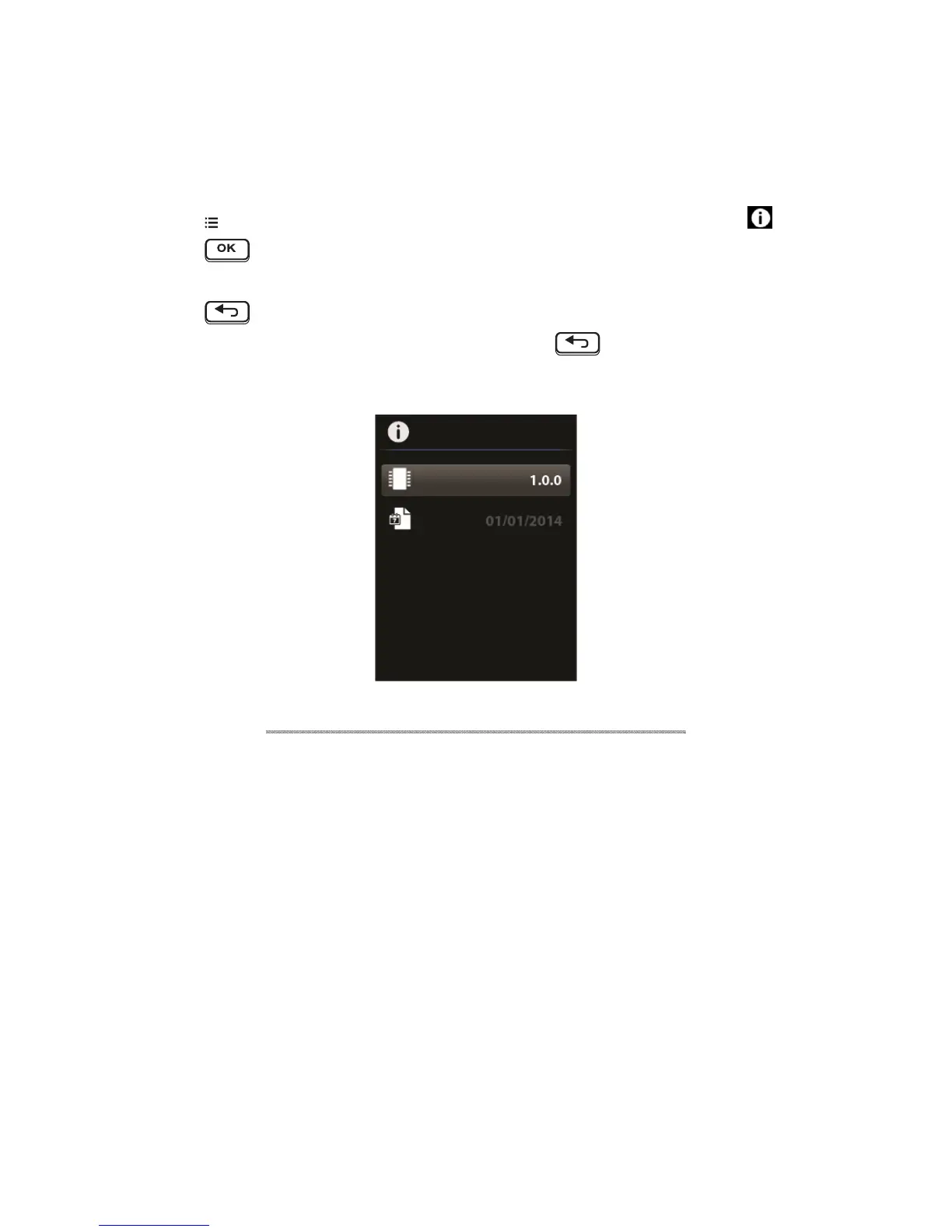
Thefirmwareversionandcalibrationdatecanbeviewed(theTG165supportsin‐the‐fieldfirmwareupdates;
contactthelocaldistributorortheFLIRtechnicalsupportprofessionalsfordetails).
1. Press
toaccesstheSettingsMenuandusethearrowbuttonstoscrolltotheFIRMWARE icon.
2. Press
toopenthemenuitem.
3. Viewthefirmwarerevisionandreleasedate.
4. Press
toretuntothemainmenu.
5. Usethearrowbuttonstoselectanothermenuitemorpress
toreturntothenormaloperating
mode.
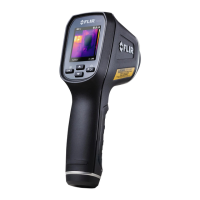
Fig9‐11ViewingtheFirmwareRevisionandCalibrationDate


 To Next Page