FLIRTG165USERGUIDEDocumentIdentifier:TG165‐en‐US_AA
16
8.2Capture/SaveImagesusingtheSDCard
TheTG165canstorethousandsofimagesonaMicroSDmemorycard.WhenconnectedtoaPCviathesupplied
USBcable,theMicroSDcardfunctionsasanyexternalstoragedrive.Tostoreimages,acompatibleMicroSDcard
mustbeinsertedintheMicroSDcardslotat
thetopofthemeter(undertheprotectiveflap).
WhenacompatibleMicroSDcardisproperlyinsertedintheTG165thememorycardicon
willappearatthe
toprightoftheTG165display.Tocaptureanimageandsaveitto
memory:
1. PointtheTG165atanobjectoranareaofinterest.
2. Pullthetriggertoactivatethelaserpointers.
3. Release the trigger to capture the image; the image will
freezefor5seconds.
4. Press
tosavetheimageor todiscardthe
image(seeFig8‐2)within5seconds.
5. IftheimageisstoredsuccessfullyontheMicroSDcard,a
large check mark
will appear on the center of the
display. If the image fails to save, this icon
will
appear on the display. A failure may indicate a full,
faulty,orincorrectlyinsertedMicroSDcard.
6. Toerase/formatanSDcardpleaserefertoSection9SettingsMenu.
Hint:Afteran image iscaptured,acheck mark
appearsabove the button (saveimage) and an
iconappearsabovethe button(discardimage)for5seconds.RefertoFig8‐2.Ifnotbuttonsare
pressedwithin5seconds,theimageisautomaticallydiscarded.
8.3Review/DeleteImages
UsetheReviewModetoviewordeletestoredimages.
1. To access the Image Review mode (from the normal operating mode), press and hold the Down arrow
buttonfor4secondsandthenusethearrowbuttonstoscrollthroughtheimages.Alternatively,access
theSettingsMenu(Section9)to
reviewanddeleteimages.
2. Pressthebackbutton
toexittheimagereviewmode
3. Todeleteallimages,pleaseaccesstheSettingsMenuasdescribedinSection9andreformattheSDcard.
4. Connect the TG165 to a PC using the supplied USB cable and use the SD card as an external drive for
storingand
deletingimages.
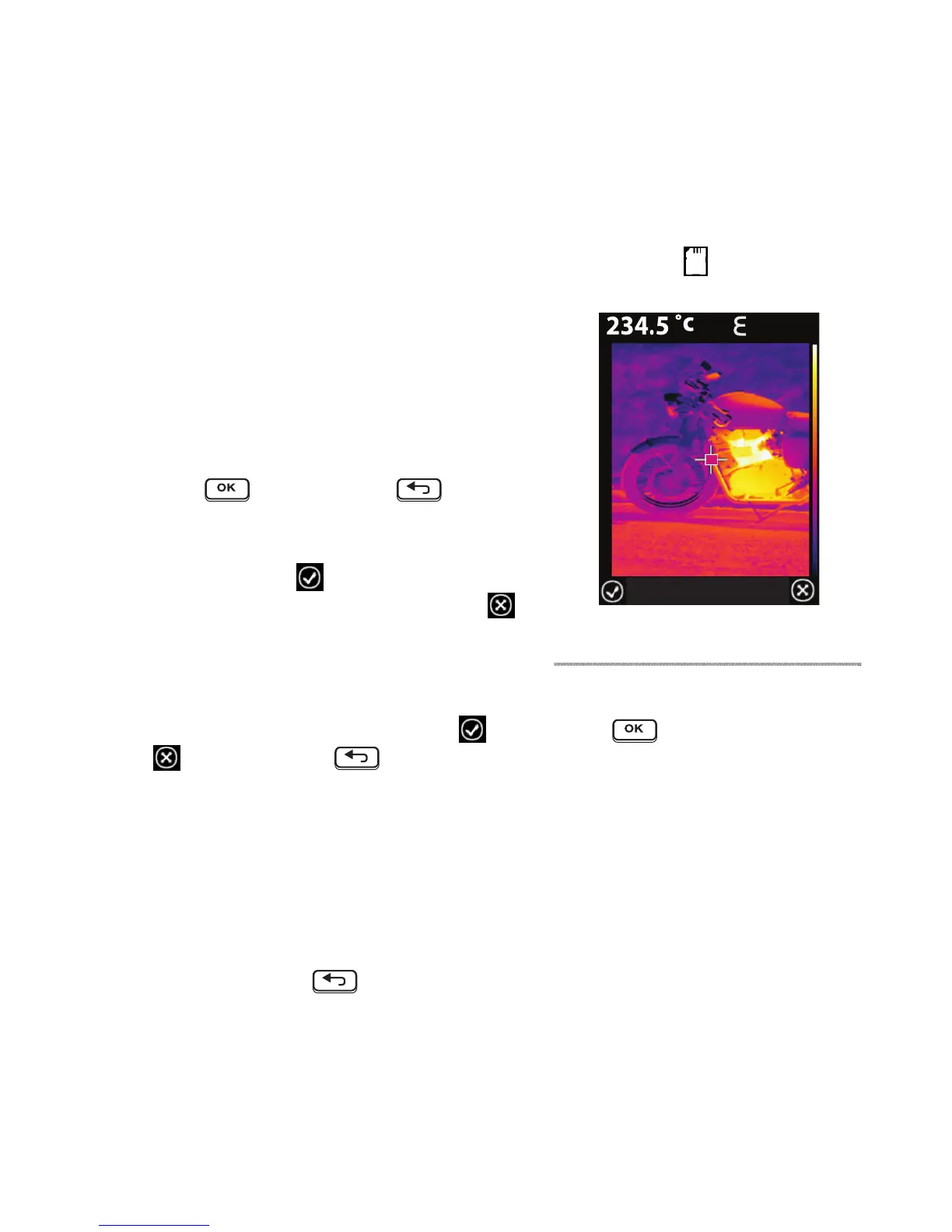
Fig8‐2ImageSaveorDiscardscreen
: 0.80


 To Next Page