26
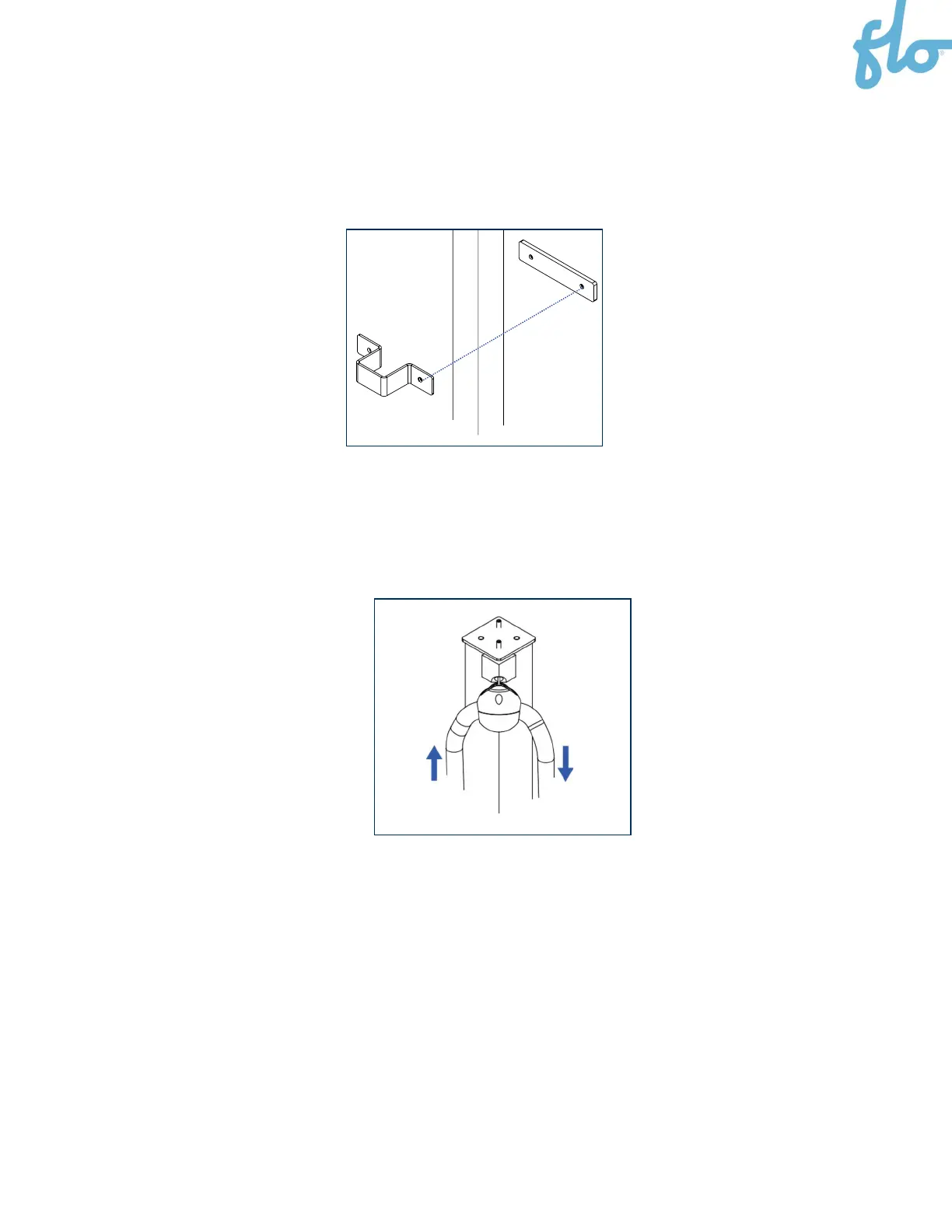
4. Install the top bracket and the rectangular spacing shim while inserting the column between the
parts. Once you ensure that the bracket is flush with the plate and the assembly is level, secure it with
the appropriate screws (according to the wall type).
5. Verify the column’s angle with a level.
6. Position the cable clamp. Refer to the
Positioning the Cable Clamp
section (
section 7.
) for more
information.
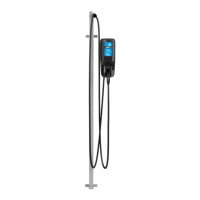
7. Pull on the cable management system’s cable a few times to ensure that all the parts are moving
freely.
8.


 To Next Page