25
6.1.3. Installing a Cable Management System
Follow the steps below to install the cable management system:
1. Install 1 of the 2 spacing shims and the lower wall mount bracket at the desired height by using two ¼’’
diameter screws and the appropriate washers. Make sure that both brackets are levelled horizontally.
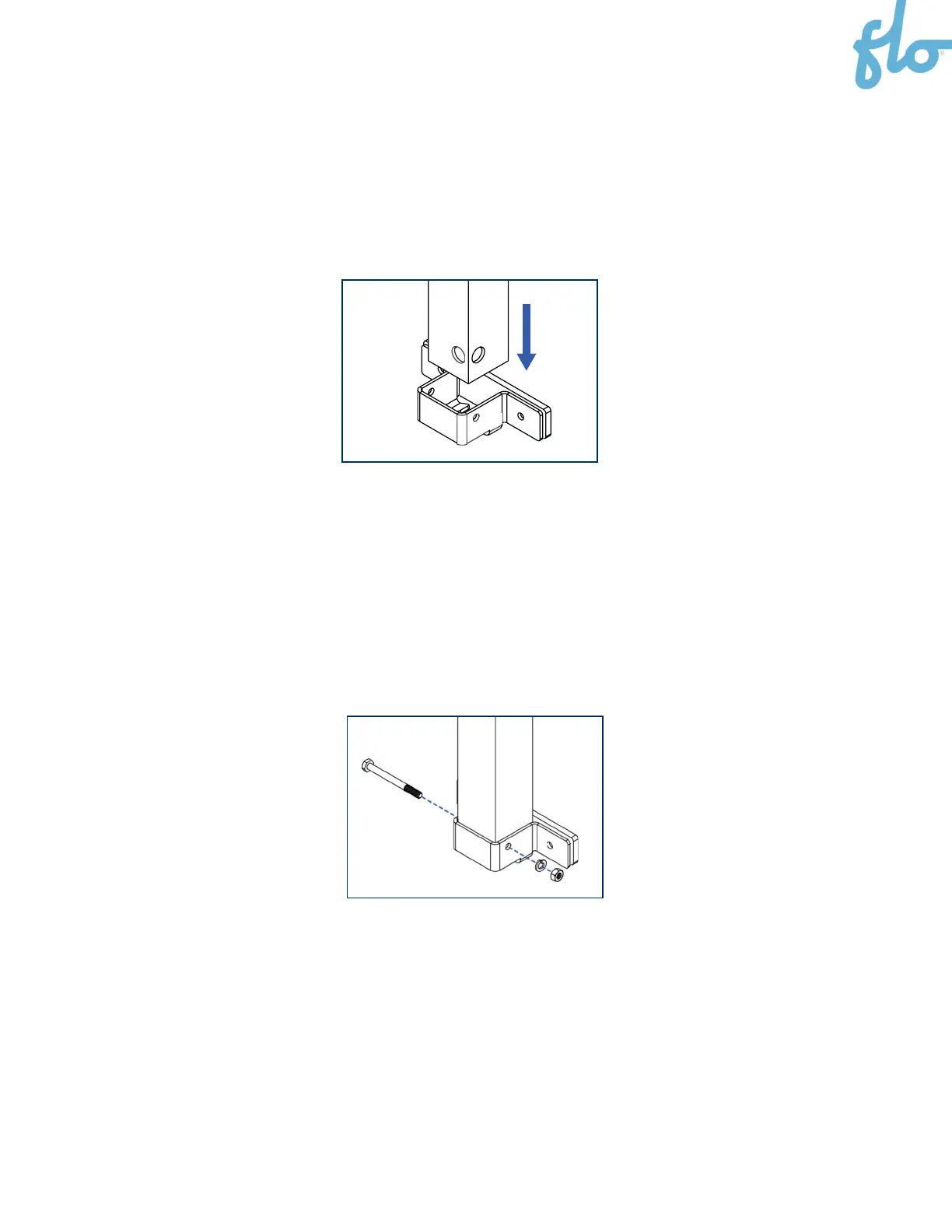
2. Sit the column in the lower wall mount bracket.
NOTE: Make sure to position the cable management system’s cable clamp on the correct side—that
is, on the right or left, depending on where the charging station is located.
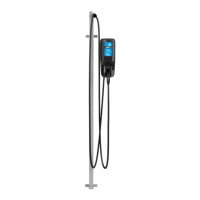
3. Secure the column by installing the screw and bolt in the lower wall mount bracket through the pre-
drilled holes with a ratchet wrench and an axel nut socket (the security screw that was used to hold
the counterweight).


 To Next Page