43
Image Reference
Number
Included Material Quantity
1 Poster panel (including 2 sides) 2
2 Attachment plate and screws 2
3
Bolts, washers, and split lock washer (max. torque: 30 LB-IN
[3.3 N-M])
4 each
8.2. Positioning the Poster Panel
Follow the steps below to position the poster panel:
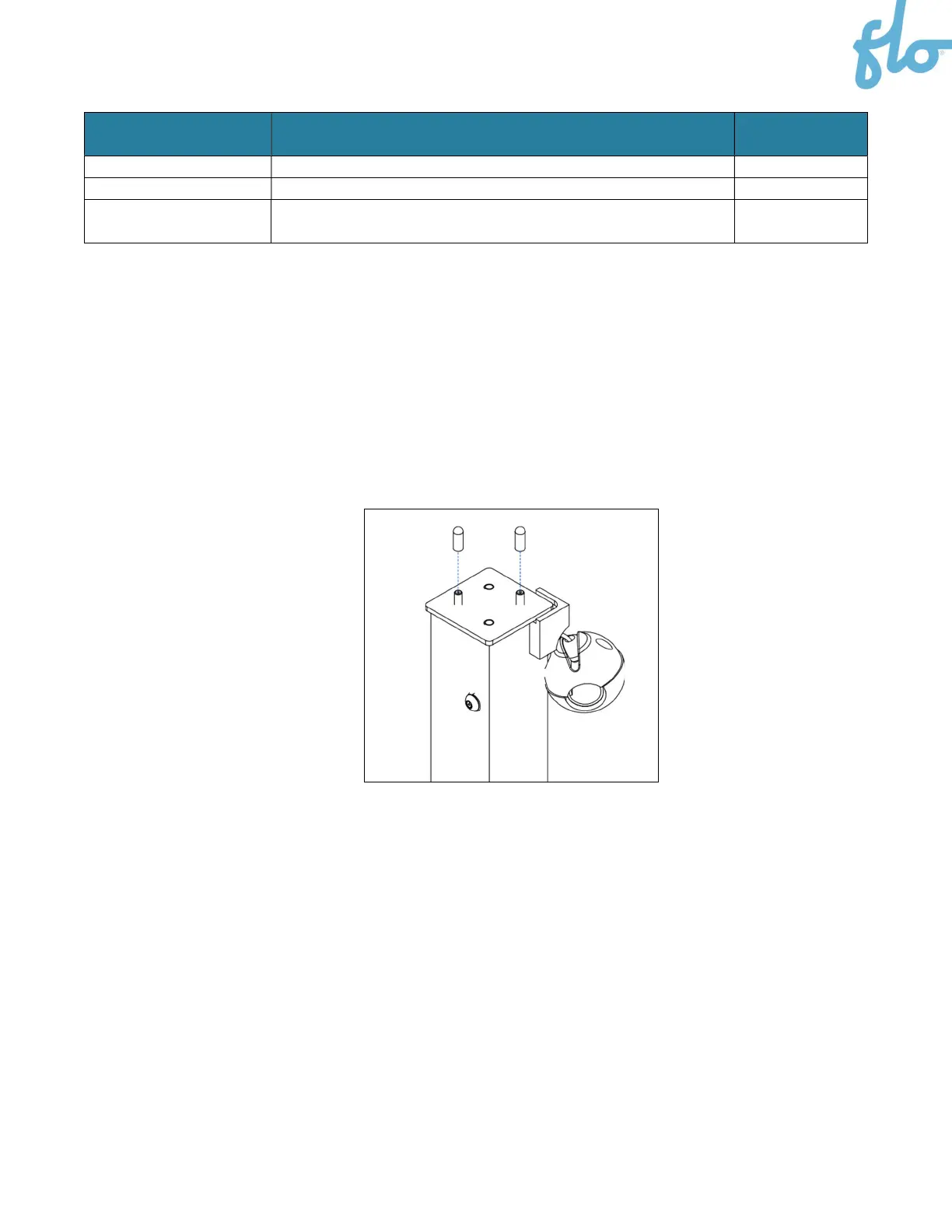
1. The top of the column has embedded screws with rubber caps and washers attached to them.
Remove them and set them aside.


 To Next Page