36
OR
6.4.2.2. Before Installing a Cable Management System on an Existing
Side-by-Side Charging Station Installation
1. Prepare the installation material for the side-by-side charging station mount brackets and cable
management systems and follow the instructions below.
6.4.3. Installing the Cable Management System and
Supports
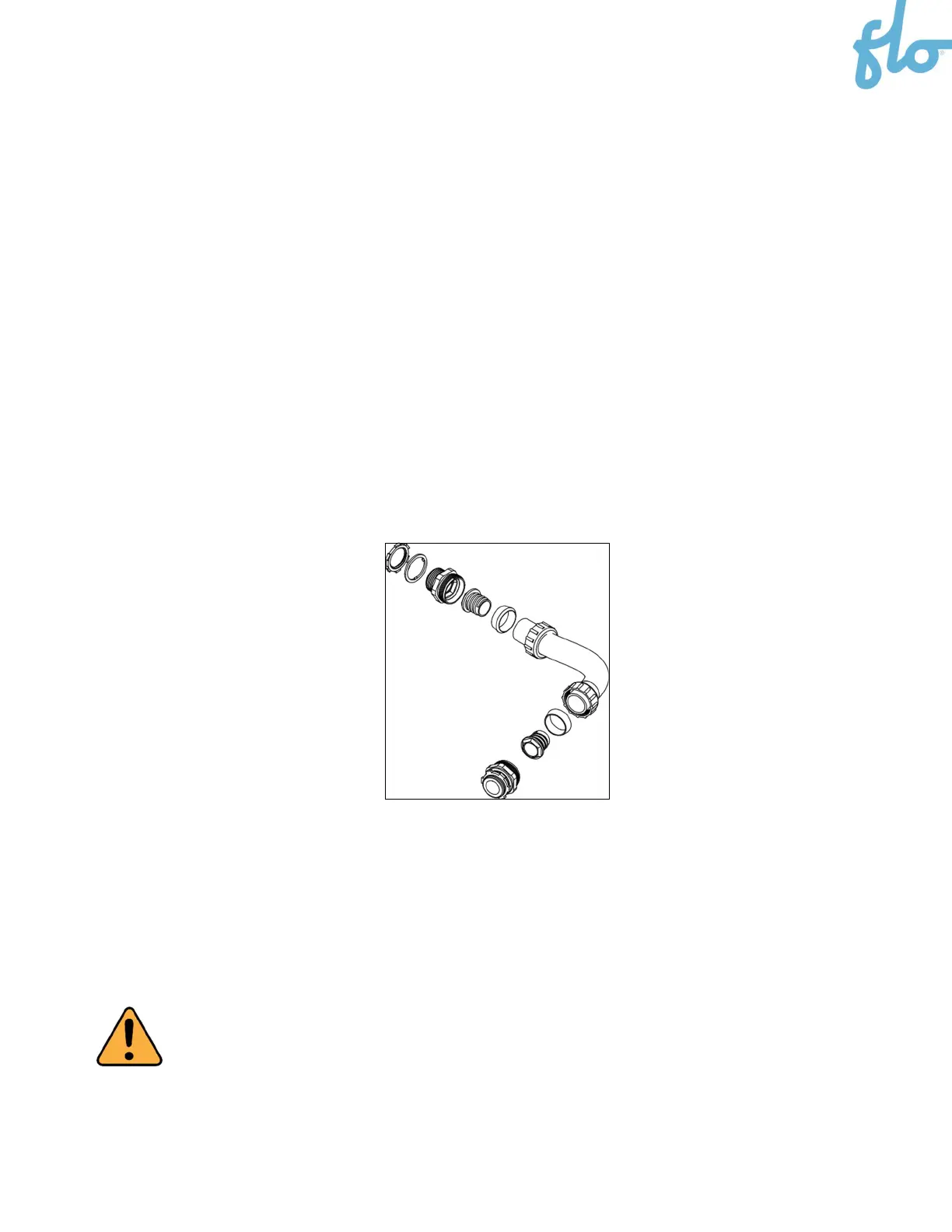
1. Assemble the flexible tube.
2. Remove the plate allowing you to access the electrical wires at the bottom of the pedestal and leave
10’’ (30 cm) of extra wiring to connect the charging station once the flexible tube has been installed.
3. Screw the end of the flexible tube to the charging station mounting bracketing on the pedestal side.
4. Pass the wires through the flexible tube.
5. Screw the first charging station mount bracket to the pedestal.
CAUTION: This pedestal is certified as an electrical enclosure, and any alteration must comply
with local regulations.


 To Next Page