39
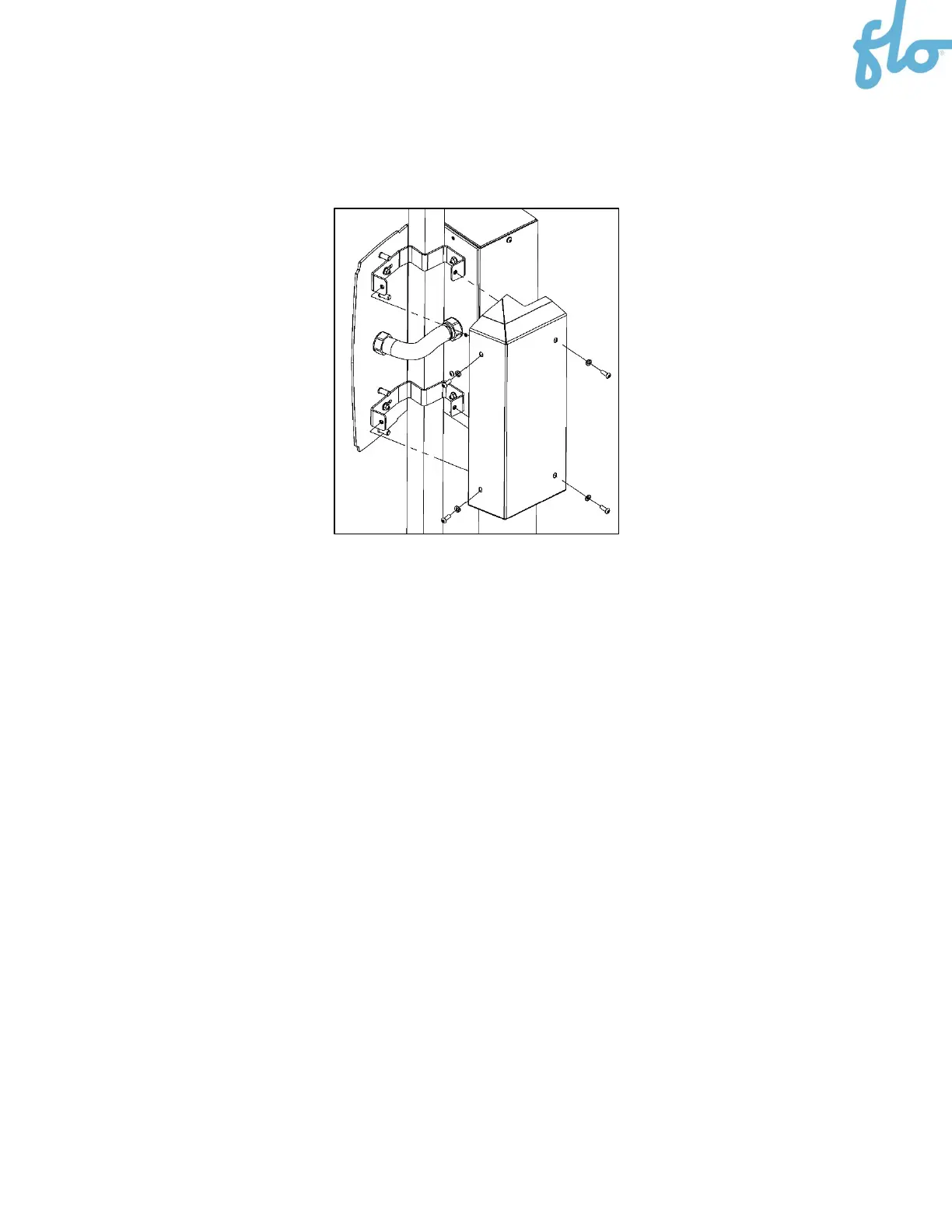
10. Secure the back cover to the column mount brackets with the 4 screws.
11. Install the second column on the opposite side of the charging station by following steps 1 to 10
above.
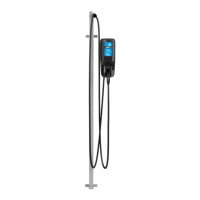
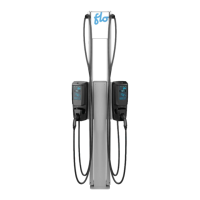
12. Install or reinstall the charging stations. Refer to the
Installing the Pedestal and Charging Station
section
(
section
5.
) and the
CoRe+
MAX Installation Guide
as needed.
13. Position the cable clamp. Refer to the
Positioning the Cable Clamp
section (
section 7.
).
14. Install the poster panel. Refer to the
Poster Panel Installation
section (
section 8.
).


 To Next Page