22
5.6 Input Signal Configuration
The input signal can be configured according to the number of input channels; single
channel, or quadrature. The default input type is “SINGLE” and is the correct input type for
most flowmeters. If the RT40 is to be used with a flowmeter with quadrature output – a 2
channel signal which typically has 4-wires – “QUAD” should be selected, which will allow the
RT40 to detect flow direction and calculate both forward and reverse flow.
After selecting the input type, the sensor type can be selected from; Hall effect sensor, Reed
switch, or Coil. The following table should be referenced when selecting the correct software
setting for your flowmeter. Instruments factory mounted to a flowmeter will have this
parameter factory set and do not require user adjustment.
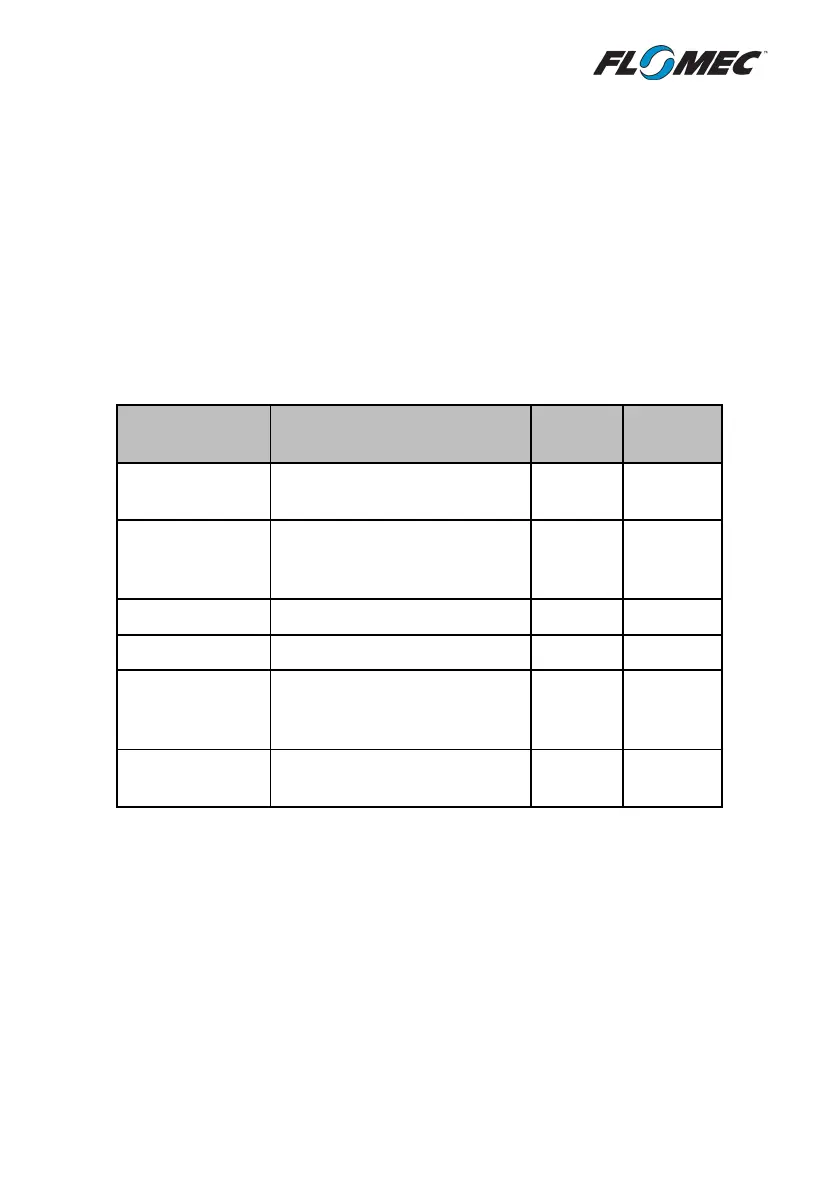
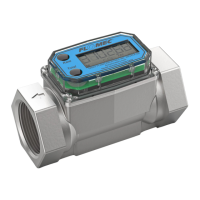
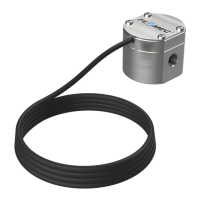
Flowmeter Type Situation
Oval Gear meter
Standard oval meter with locally
mounted RT40
SINGLE REED
Oval Gear meter
Electrically noisy environment,
high temperatures or large
SINGLE HALL
Measuring bidirectional flow
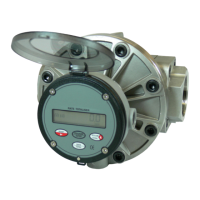
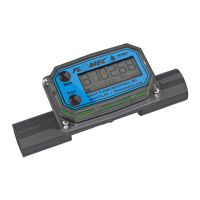
Standard turbine flow meter
paddlewheel
Standard paddlewheel meter
with voltage pulse sensor
SINGLE COIL
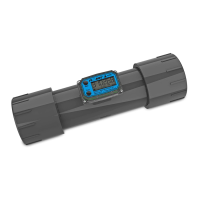
QS200 / QS100
ultrasonic meter
2-wire pulse signal from QS200
or QS100 water meter
SINGLE HALL


 To Next Page