6
2. Operation
2.1 LCD Display
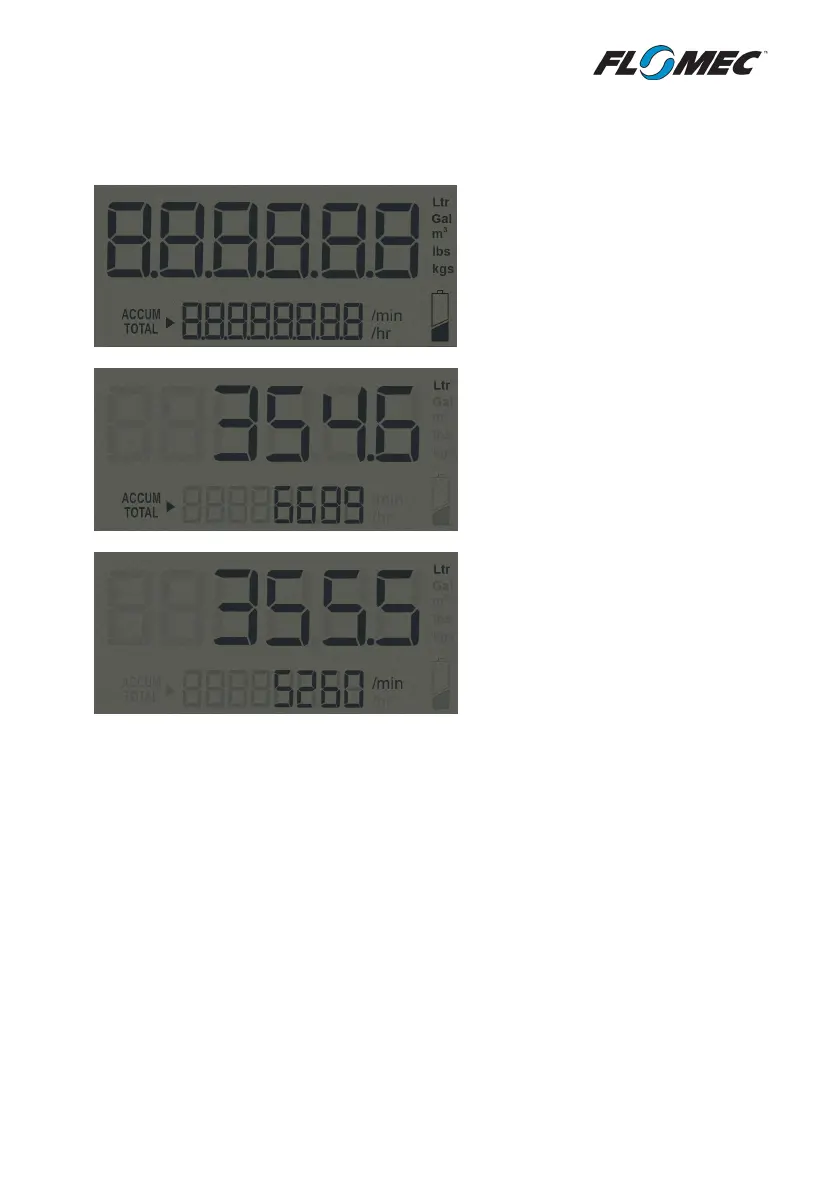
Upon entering the programming mode
the LCD will conduct a display test
where all LCD segments are displayed
for 3 seconds
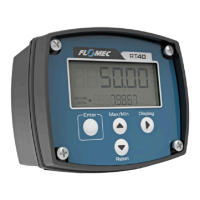
The resettable Total is always shown
on the top line of the display.
The accumulated total is shown on the
bottom line of the display, indicated by
the ACCUM TOTAL flag.
The instantaneous flowrate can be
shown on the bottom line of the
display by pushing the Display key.
All displayed variables are individually
selectable for up to 3 decimal places.
The LCD display will update with a frequency of 2Hz when the instrument is operating on
battery power. When powered by external DC power the LCD will update with a frequency of
8Hz.
The LCD backlight will automatically illuminate once external DC power is connected to the
RT40. This feature can be overridden through the configuration menu to force the backlight to
‘OFF’. The backlight can also be set to flash when the flow alarm is triggered by setting the
backlight to the ‘ALARM’ mode.


 To Next Page