7
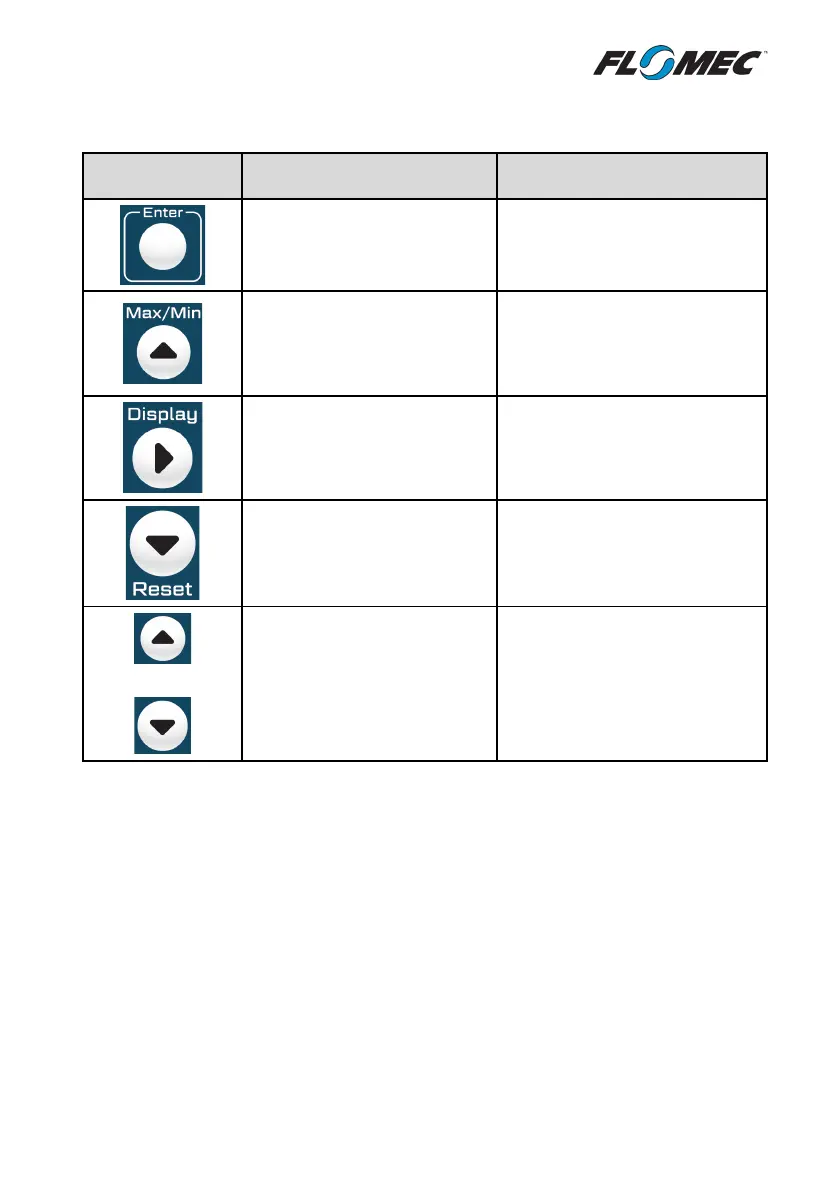
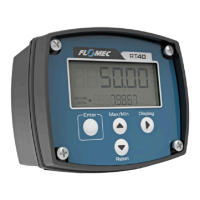
2.2 Keypad Function
KEY
FUNCTION IN OPERATING
MODE
FUNCTION IN PROGRAM MODE
Press and hold to display
firmware revision number and
serial number on LCD.
Enter key; selects a program
setting, or accepts an entered
value
Press once to display maximum
flowrate since last reset.
Press again to display minimum
flowrate since last reset.
key; moves upwards in
programming menu, or
increments the selected digit
when configuring a setting.
Toggles the bottom display line
between accumulated total and
instantaneous flowrate
Right key; moves digit selection
to the right when configuring a
setting
Press and hold for 3 seconds to
reset the total to zero.
Down key; moves downwards
in programming menu, or
decrements the selected digit
when configuring a setting.
+
Press and hold both buttons
simultaneously for a duration
of 5 seconds to enter the
programming mode
No Function
2.3 Operating Functions
2.3.1 Resettable Total
The resettable total is displayed on the top line of the LCD. The value that is displayed is the
linearised output from the flowmeter.
The default units for the resettable total are Litres, however this can be changed by the user
to any of the available engineering units (see 1.2 Specifications). When the display units are
changed by the user the RT40 will automatically adjust the settings so that no further input is
required by the user (k-factors do not need to be changed). If the RT40 is displaying a Total in
Litres this will be automatically converted to the new units of measure so that no data is lost.


 To Next Page