Maintenance of the Machine
68
14/03/2023 212601
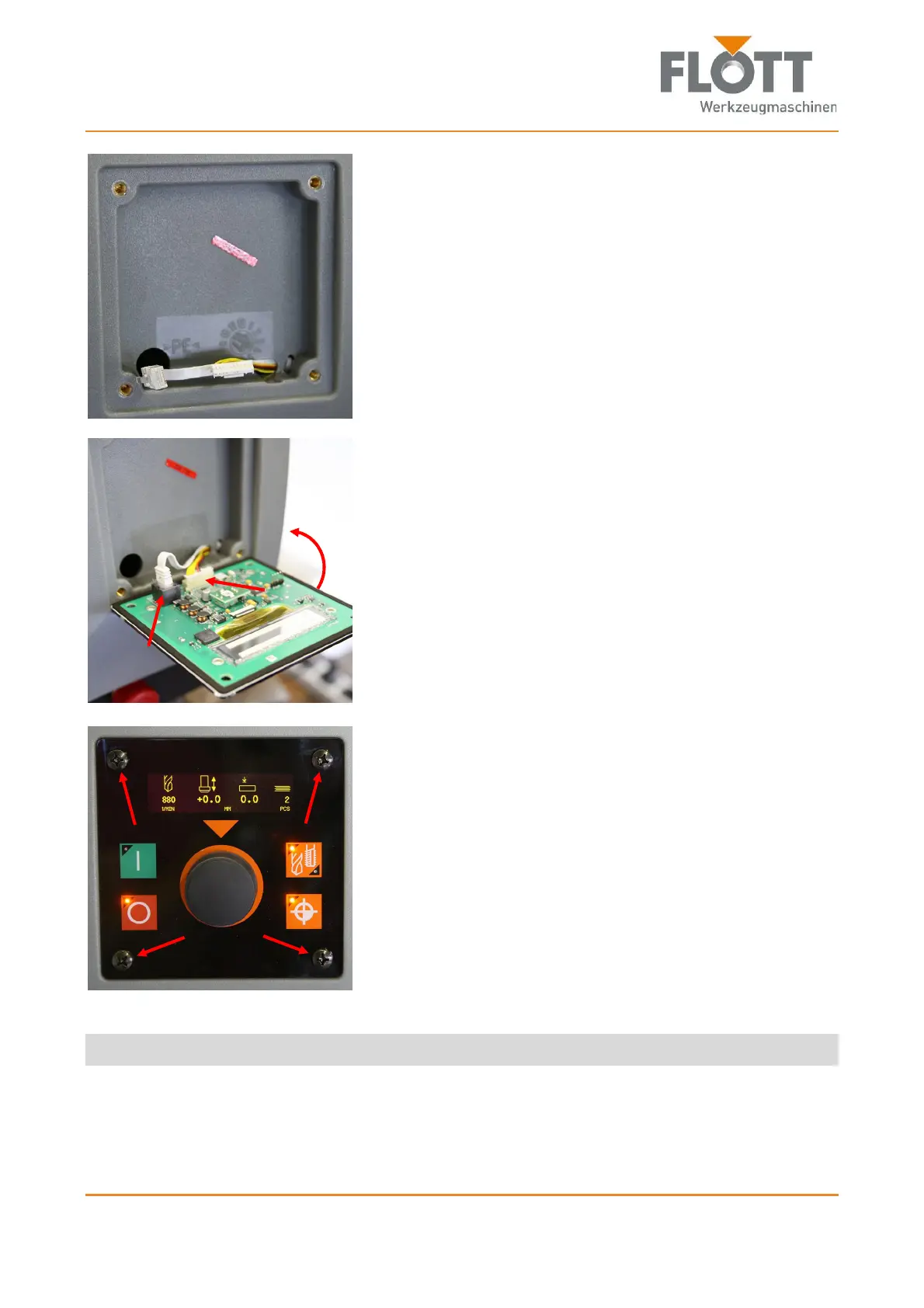
5. Remove the control panel and replace it with a new one.
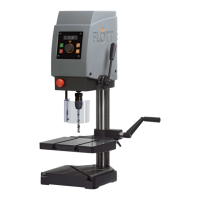
6. Plug in
the power plug and
the multipolar connector
into the respective connector sockets on the back of the
control panel.
7. Place the control panel in the insert of the protective
hood.
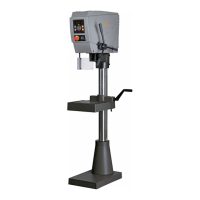
8. Attach the control panel to the protective hood using the 4
Phillips screws.
The control panel is now replaced, mounted and can be used again.



 To Next Page