417D/424D
Users Manual
8
Measurements with a Tripod
Measurements with the 424D that use a tripod must have the
tripod reference set. When set,
# shows on the display.
Reference Point
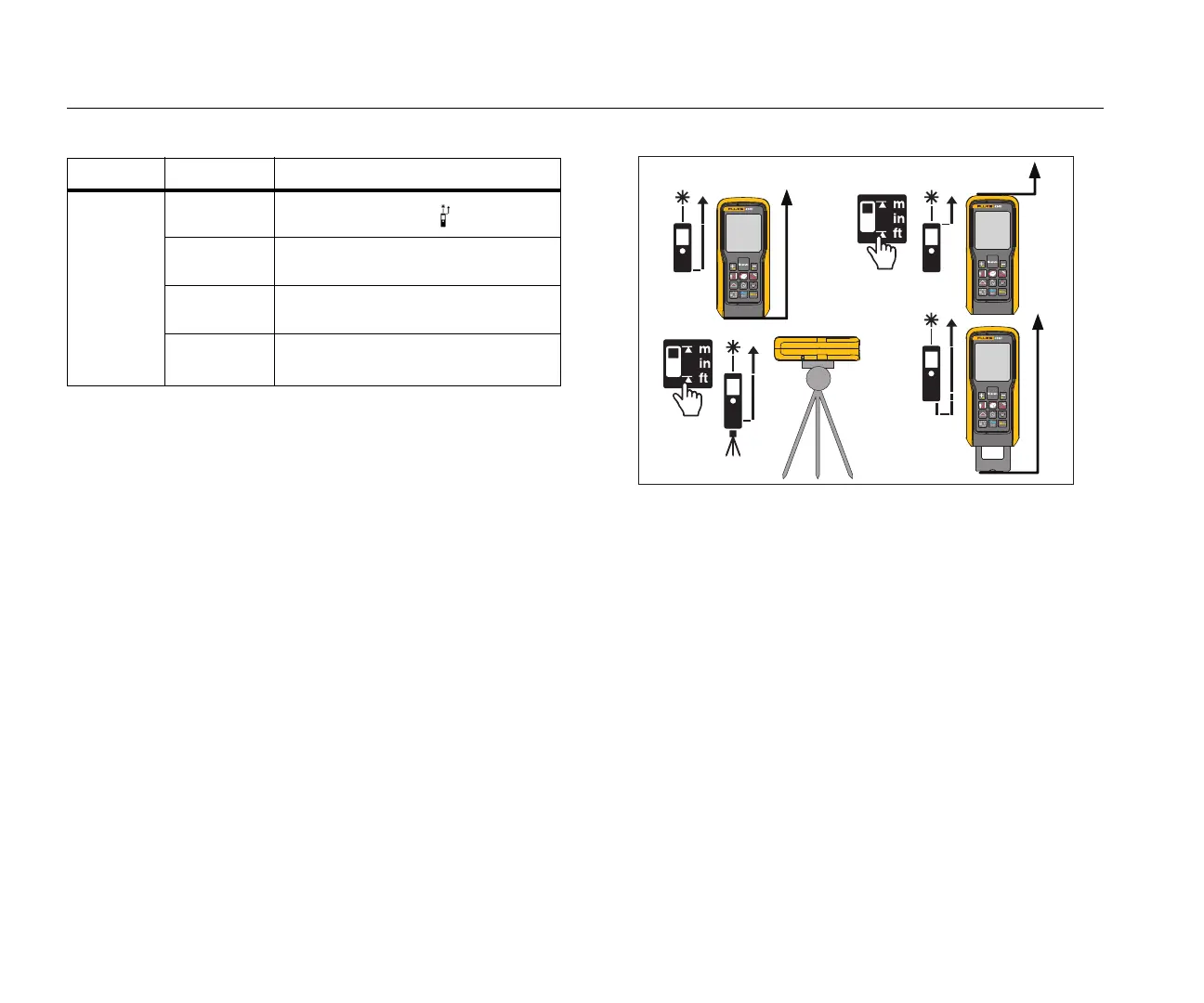
The display shows the reference point for a measurement. The
default reference point is from the end of the Meter. If the beeper
is on, the Meter beeps as you change the reference point. See
Figure 4 for more information.
The Meter automatically adjusts the reference point when you
use the endpiece and
$shows on the display.
Note
The tripod mode overrides other reference points. The
Meter stays in the tripod mode until you change to a
different reference point.
Figure 4. Change Reference Point
1x
Measure from front .
2x
Measure from tripod screw #.
3x
Measure from end
%.
2 seconds
Select units of measure
(See Table 8.)
Table 7. 424D Button Operation (cont.)
Button Pushes Function



 To Next Page