Laser Distance Meters
Measurements
13
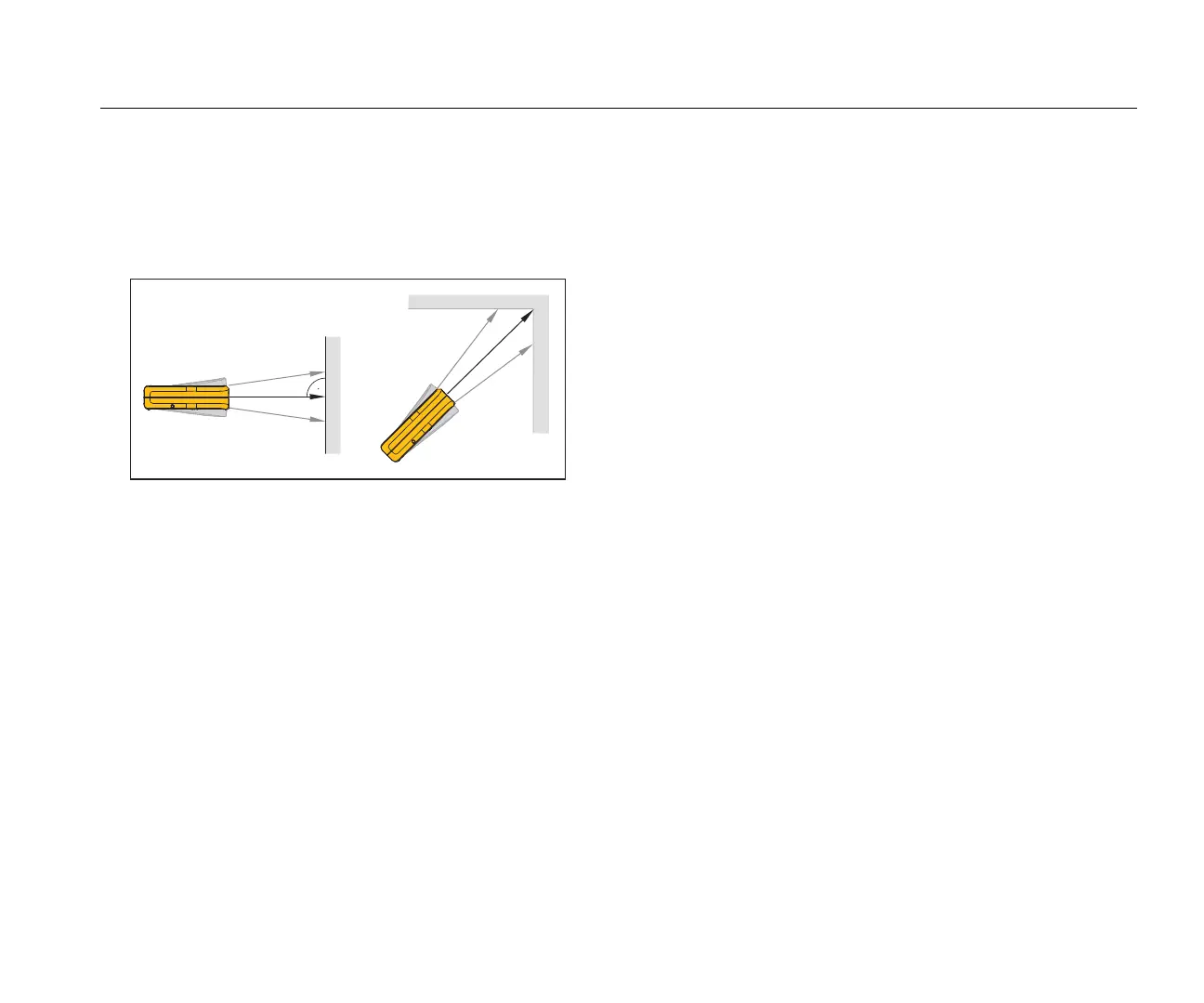
Minimum/Maximum Tracking
The tracking function measures the room diagonal (maximum
value) and the horizontal distance (minimum value) from a stable
measurement point. It also can find the distance between objects.
See Figure 6.
Figure 6. Minimum/Maximum Tracking
To measure:
1. Push and hold for 2 seconds.
, shows on the display to confirm that the Meter is in
tracking mode.
2. Move the laser side to side, up and down on the target area
(for example, into the corner of a room).
3. Push to stop tracking mode.
The last measured value shows in the summary line.
Note
The values for maximum and minimum distances show in
the display. The last measured value shows in the
summary line.
Area
417D
To measure area:
1. Push = 1x.
The t symbol appears in the display.
2. Push to make the first measurement (for example,
length).
3. Push again to make the second measurement (for
example, width).
The result shows in the summary line.
424D
To measure area:
1. Push 1x.
The t symbol shows in the display.
2. Push to make the first measurement (for example,
length).
3. Push again to make the second measurement (for
example, width).
The result shows in the summary line.
4. Push and hold for 2 seconds to get the 2
nd
result as a
circumference.



 To Next Page