Laser Distance Meters
Information or Error codes
21
Information or Error codes
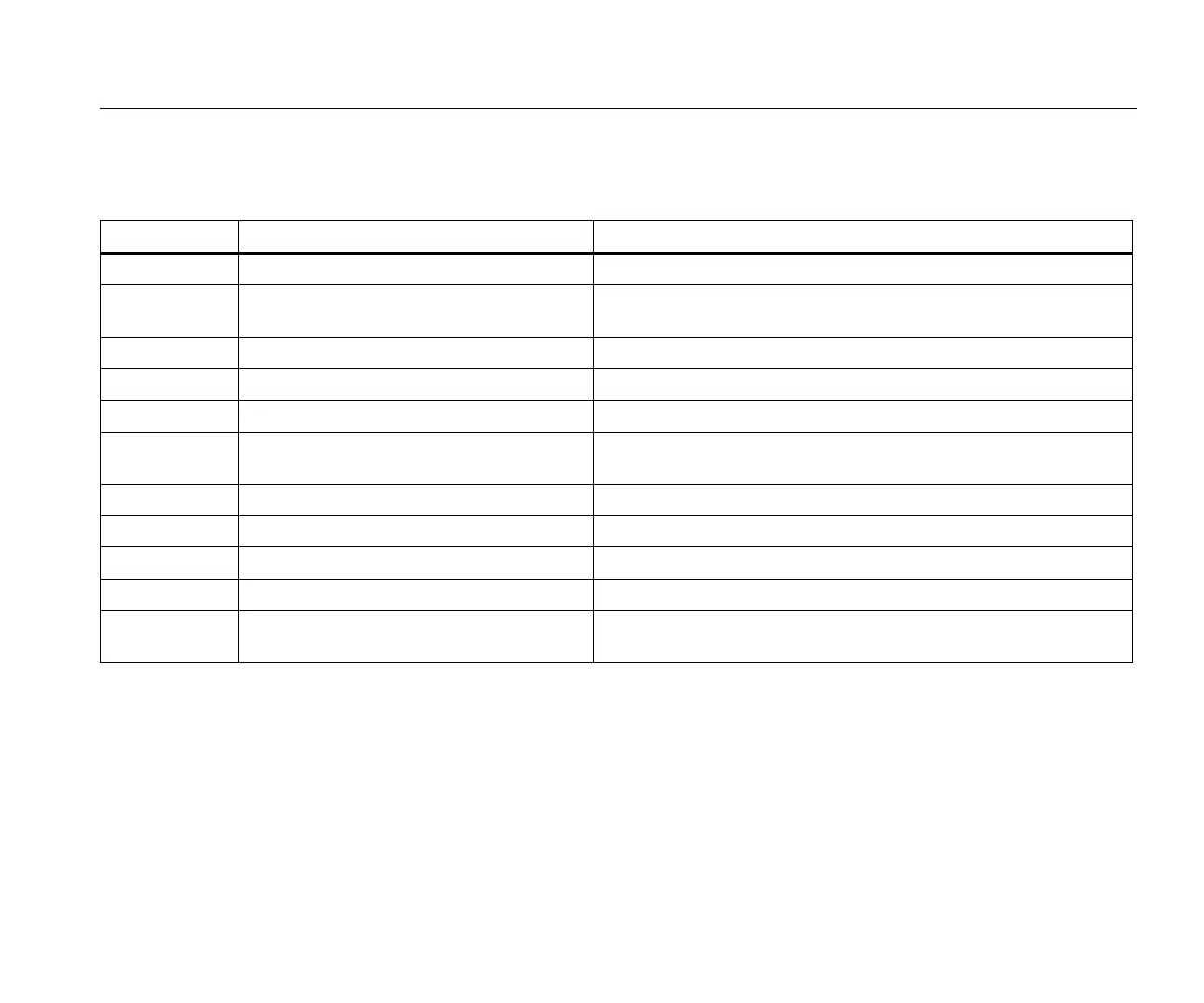
Table 10 is a list of all message codes that show on the display.
Table 10. Message Codes
Codes Causes Resolution
156 Transverse tilt greater than 10 ° Hold the Meter without a transverse tilt.
162 Calibration mistake
Make sure that the device is on a horizontal and flat surface. Do the
calibration procedure again. If the code continues, contact Fluke.
204 Calculation error Do the measurement again.
252 Temperature too high Let the Meter cool down.
253 Temperature too low Let the Meter warm up.
255
Received signal too low, measurement time
too long
Change target surface (for example, white paper).
256 Received signal too high Change target surface (for example, white paper)
257 Too much background light Darken target surface.
258 Measurement outside of measurement range Correct the range.
260 Laser beam interrupted Do the measurement again.
Error Hardware error
Turn on and turn off the device 2 to 3 times. If the symbol stays on the
display, then your Meter is defective, contact Fluke.



 To Next Page