Users Manual
Setting Up the Tester: Advanced Functions
9
Setting the Site/Customer Text
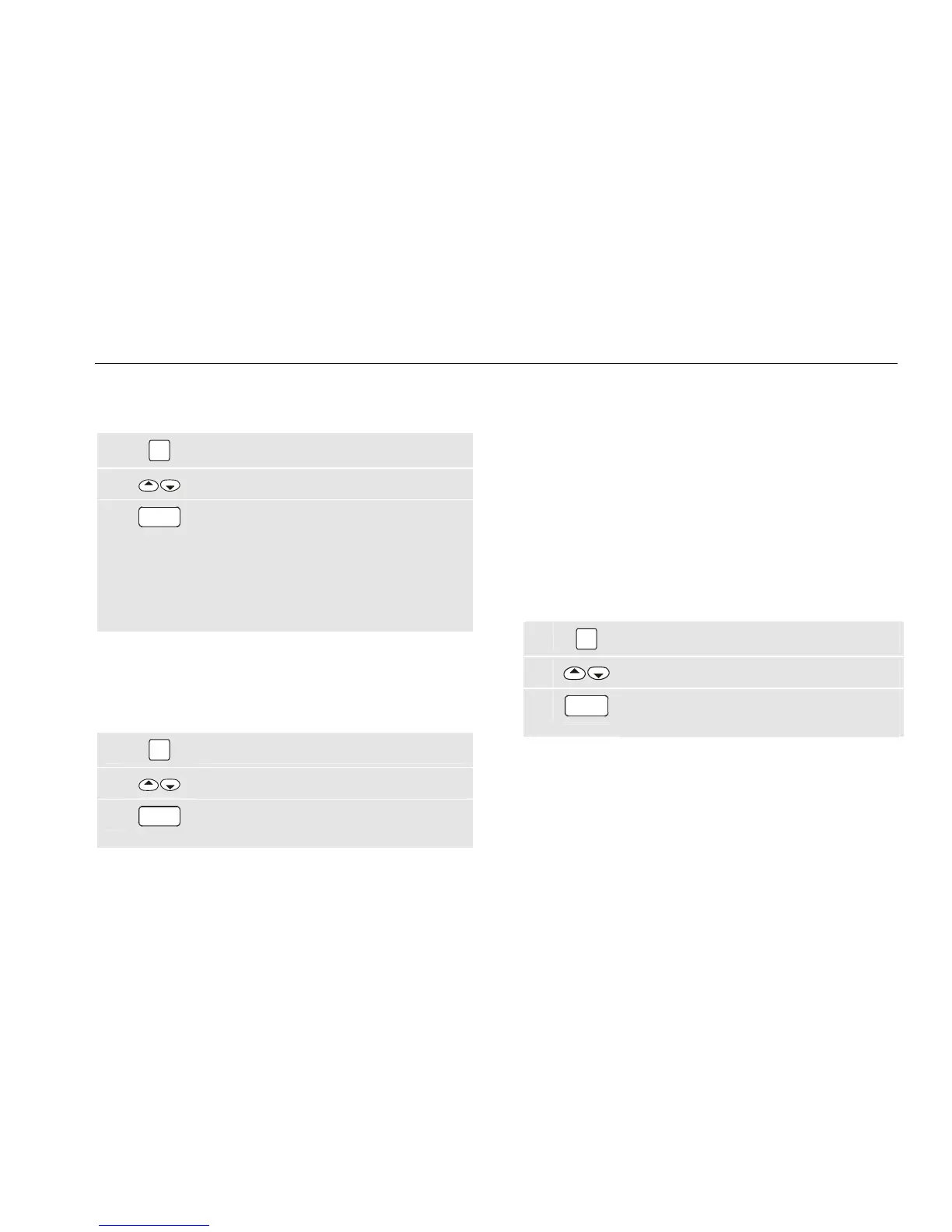
To set the site and customer text, do the following:
1
SET
UP
Open the set-up menu.
2
Highlight SITE/CUSTOMER.
3
GO
Open the next menu and follow the
screen instructions.
Please note that the site name is entered
in the first line and the customer name in
the second line (customer name for
reference only).
Setting the USER ID Text
(entry of USER ID for reference only)
To set the USER ID text, do the following:
1
SET
UP
Open the set-up menu.
2
Highlight USER ID set.
3
GO
Open the next menu and follow the
screen instructions.
Setting Up the Tester: Advanced
Functions
This section describes how to set the parameters of the
advanced functions.
Changing the Access Code
The factory set access code is 9999. You need the
access code to enter or edit auto-tests, to lock or unlock
manual tests, and to edit the access code. If you forget
your access code contact Fluke product support.
To change the access code, do the following:
1
SET
UP
Open the set-up menu.
2
Highlight ACCESS CODE set.
3
GO
Open the next menu and follow the screen
instructions.



 To Next Page