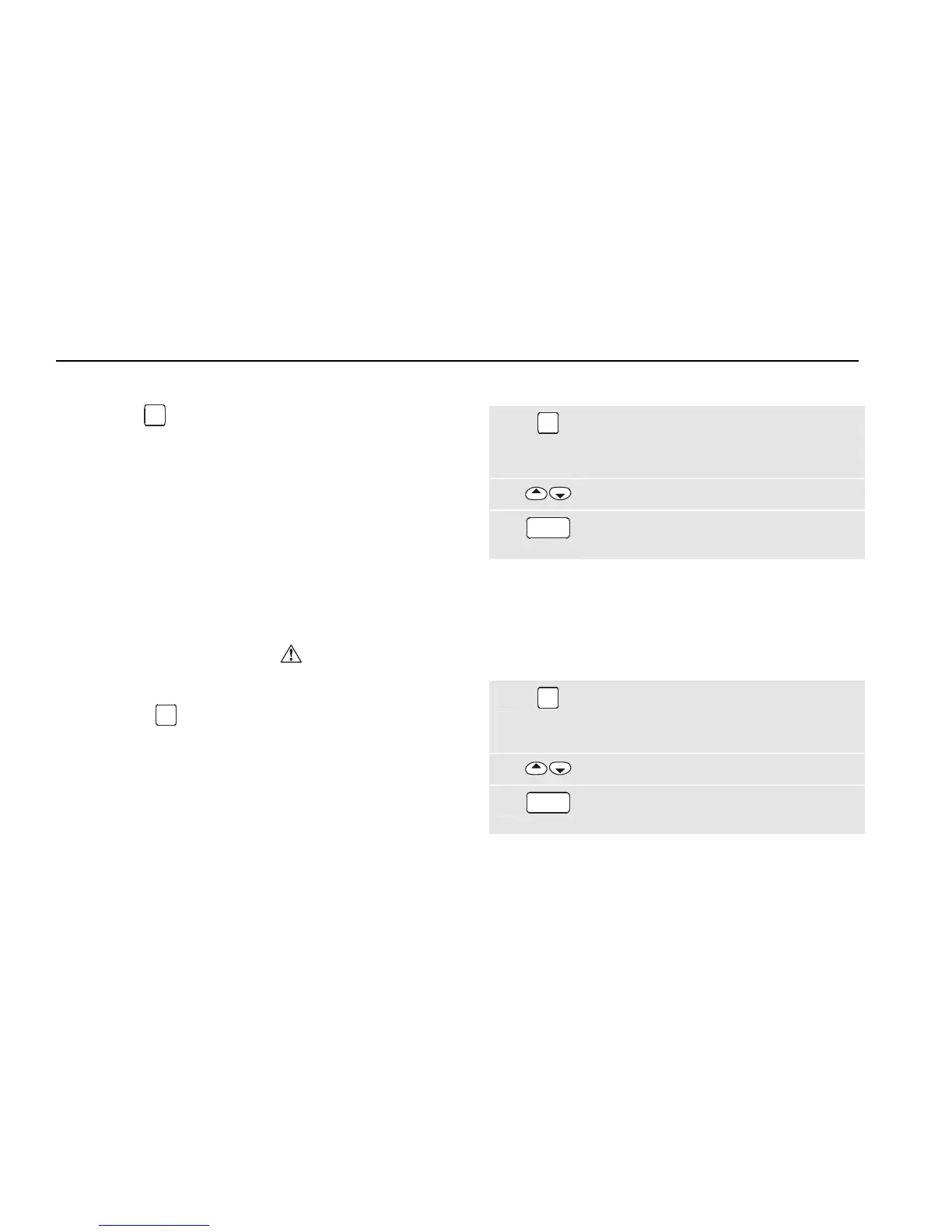
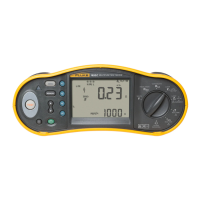
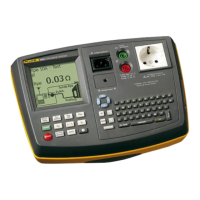
Fluke 6500
Users Manual
30
Location
On pressing
MEM
the display shows the last stored
location as long as the tester has not been powered
down.
Note:
You can use the 4-digit Fluke coding system for
the description, location, and notes field. This
speeds up data entry. Please refer to the Fluke
Power PAT Plus software.
Remarks:
• After saving the results the display shows the record
number in the top right.
• If the display shows the warning
The store is
full
you must save the data on PC or memory card
and clear the store (see page 31).
• If you press
MEM
when the idle screen is displayed a
PELV test pass result can be saved. See also ‘PELV
Test’ on page 28.
Viewing Test Result Records
You can select the result records you want to view by
record number, by date, by site, and by keyword search.
To view result records proceed as follows:
1
MEM
From the idle screen open the memory
menu and follow the screen instructions.
To see the idle screen press the STOP key.
2
Highlight VIEW RESULT records.
3
GO
Enter the view function and follow the screen
instructions.
Viewing Auto-Test Sequences
You can view factory set and user defined auto-test
sequences by simply scrolling through the store.
Proceed as follows:
1
MEM
From the idle screen open the memory
menu and follow the screen instructions.
To see the idle screen press the STOP key.
2
Highlight VIEW AUTO-TESTS.
3
GO
Enter the view function and follow the screen
instructions.


 To Next Page