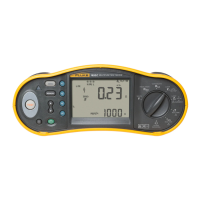
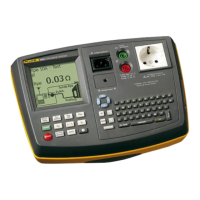
Users Manual
Printing - Downloading Data
33
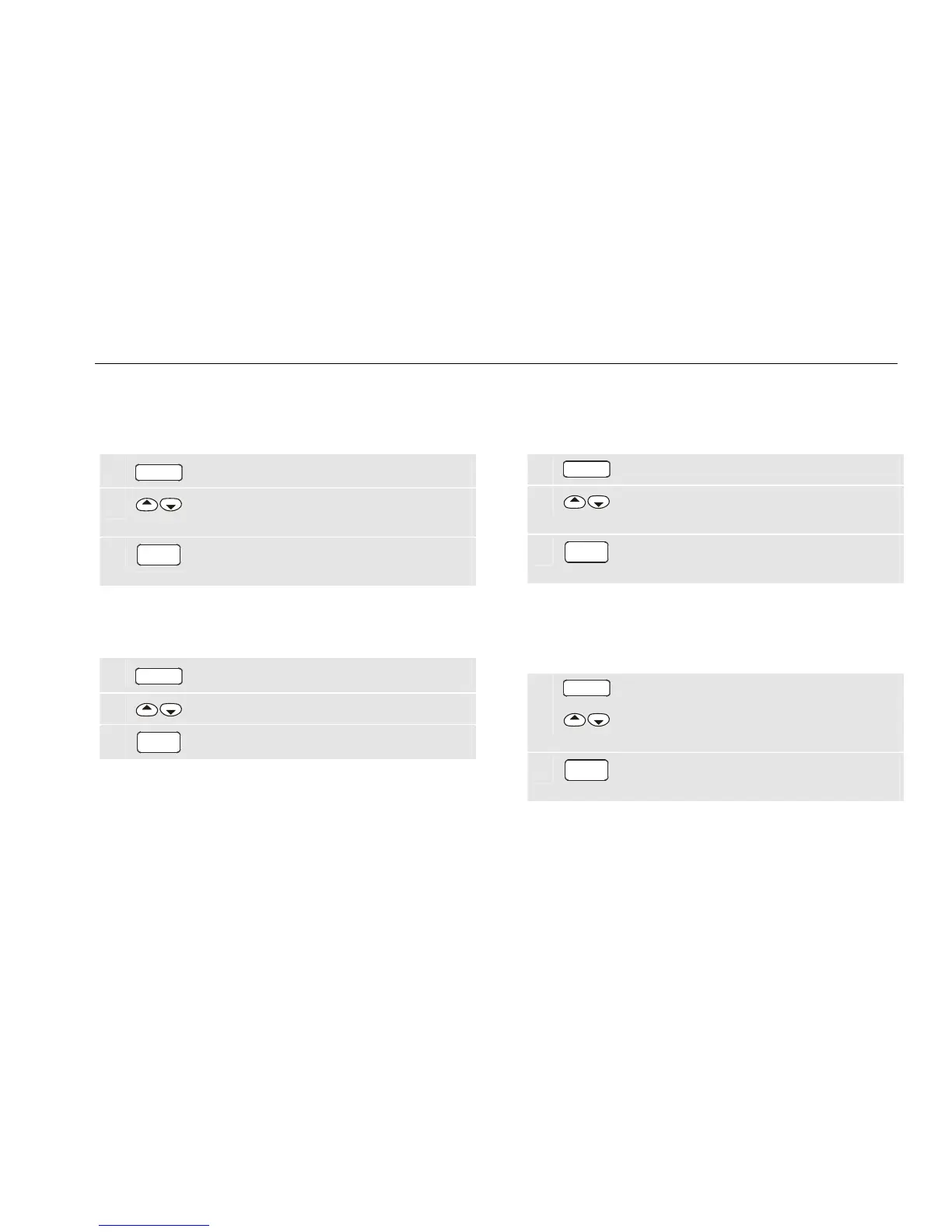
Printing test results
To print one test result record or a range of test result
records do the following:
1
PC/PRINT
Open the print/download menu.
2
Highlight Print results (not possible if no
results are available).
3
GO
Open the print results menu and follow the
screen instructions.
Printing Auto-tests
To print all user programmed auto-tests do the following:
1
PC/PRINT
Open the print/download menu.
2
Highlight Auto-Tests printout.
3
GO
Start printing.
Downloading Test Results to a PC
To download a range of test results to a PC using the
Fluke Power PAT Plus software do the following:
1
PC/PRINT
Open the print/download menu.
2
Highlight Download to PC (not possible if
no results are available).
3
GO
Open the Download to PC menu and follow
the screen instructions.
Transferring Results to Compact Flash Card
To transfer a range of test results to a compact flash card
do the following:
1
PC/PRINT
Open the print/download menu.
2
Highlight Transfer data to CF card (not
possible if no results are available).
3
GO
Open the Transfer menu and follow the
screen instructions.
The download format to be selected depends on the
software you use to process the results, for example print
format, Fluke Power PAT Plus format or CSV format (for
Excel).


 To Next Page