22
2.4 SOFTWARE DOWNLOAD & SETUP
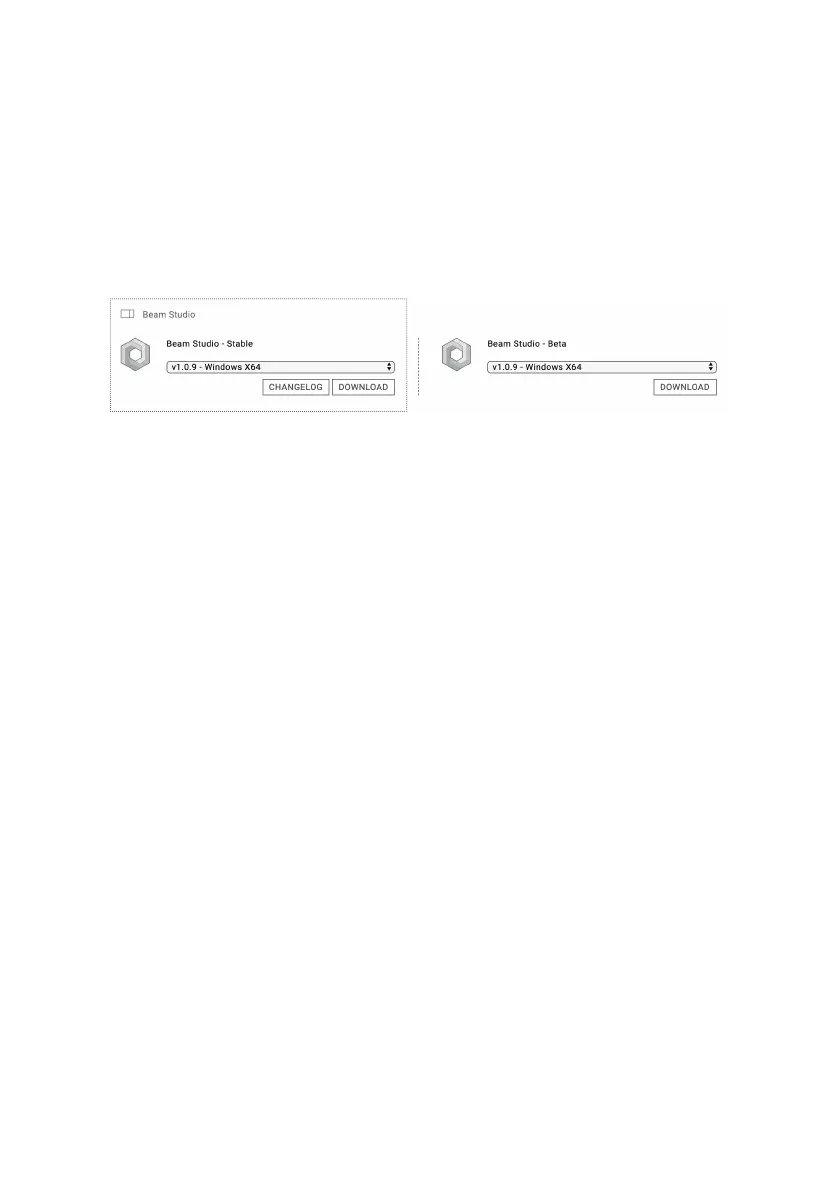
1. Download the latest version of “Beam Studio -- Stable” from
the download section on the ofcial FLUX website:
https://ux3dp.com/downloads/
Windows: To check what version you need to download
, right-click on the “This PC” icon > Properties and nd
“System type”. Download the x86 version for 32-bit systems
and x64 version for 64-bit systems.
MacOS: Download and open the DMG le and drag the
Beam Studio app into the Application folder next to it. Run
the Beam Studio in the “Application” folder.
2. A language dialog will appear when running Beam Studio for
the rst time. Select English > FLUX beamo.
Troubleshooting: Software Unexpectedly Quits (p.94)


 To Next Page