59
6.5 OPTICAL PATH ALIGNMENT
If the workpiece cannot be cut through by the preset
parameters or the beam output varies significantly on
each corner of the work area, the optical path might be
misaligned and needs adjustment.
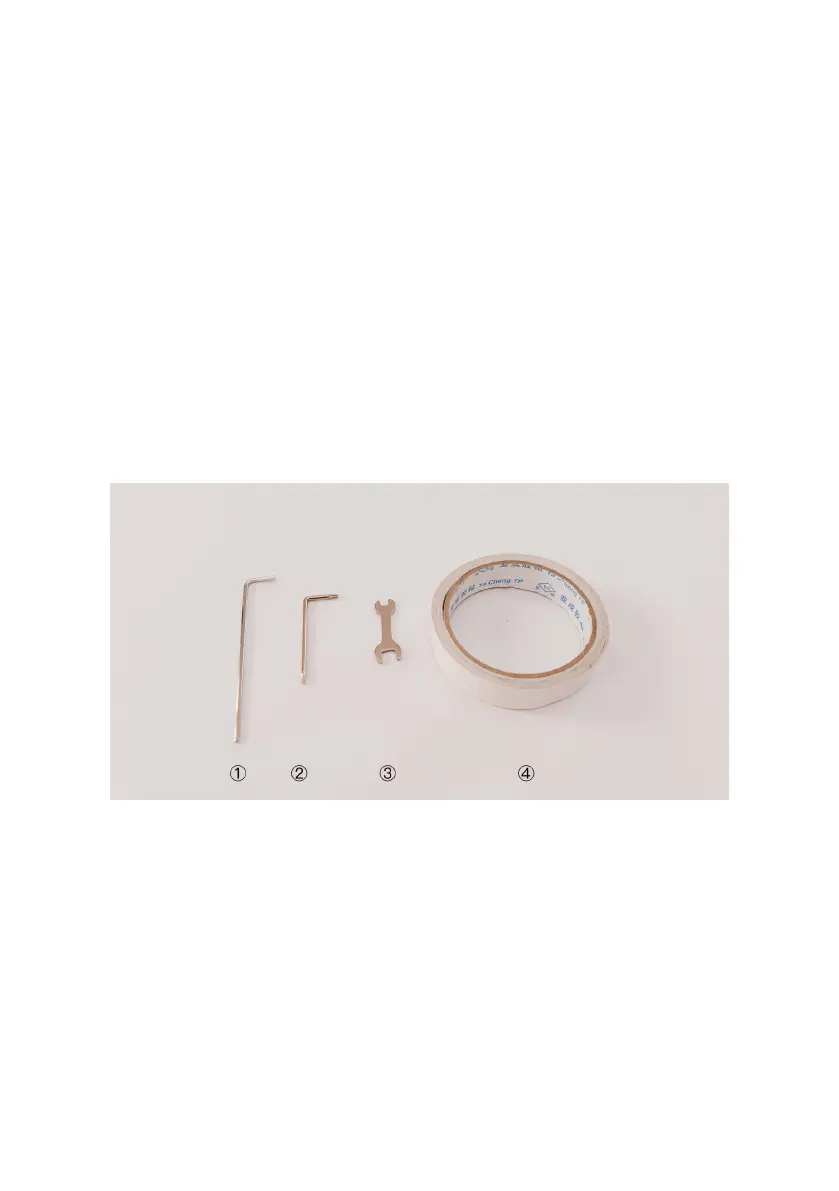
Tools
Accesory Kit:
②
hex key
③
small wrench
④
tape
Prepare On Your Own:
①
2.5mm Allen key
Safety Precautions
1. Keep the lid shut when pressing "Laser Pulse".
2. If you hear a loud cracking sound, stop operating
and shut down the power immediately. Contact FLUX
Support.


 To Next Page