35
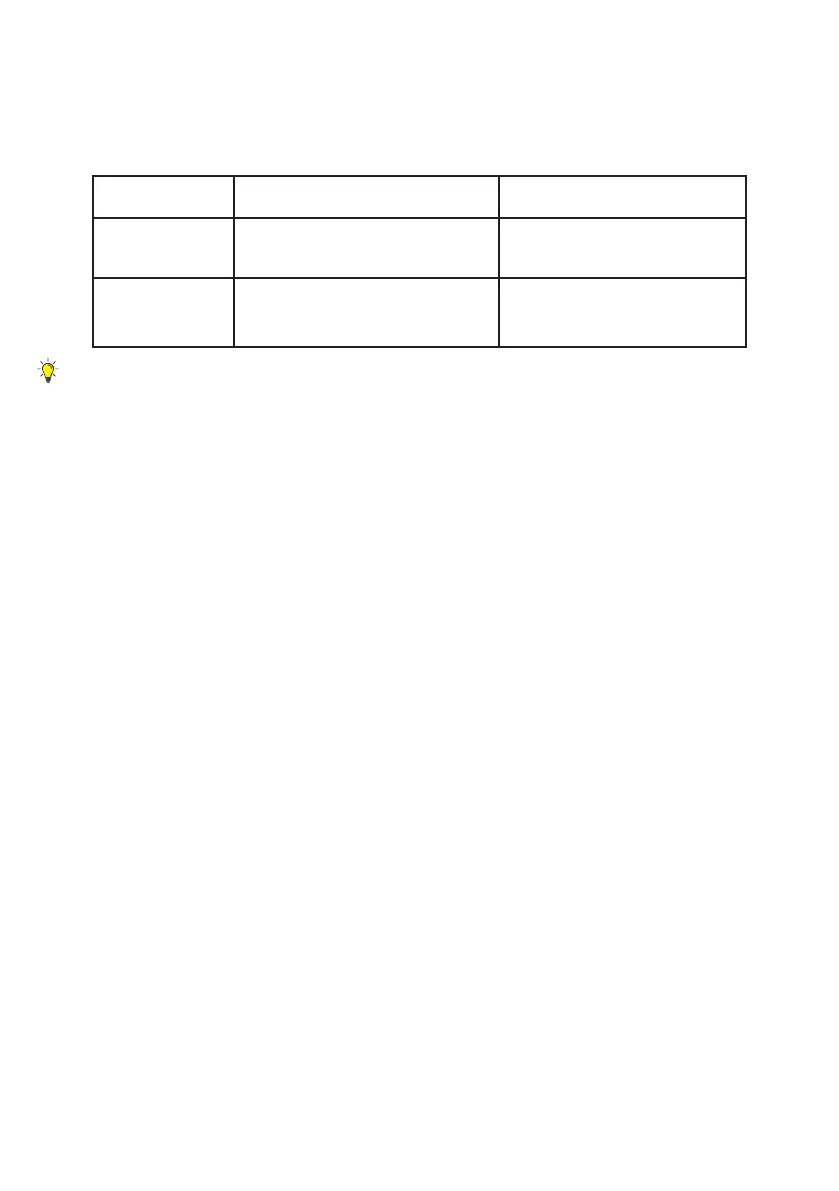
3.5 COMPARISON BETWEEN BITMAP
AND VECTOR FORMAT
Select vector format for all cutting jobs.
3.6 LAYER SETTING
You can set the layering style by "Layer", "Color" or
"Single Layer" when importing a SVG file.
Layer: The layers will be categorized according to previous
layer settings
Color: The layers will be categorized according to its color
Single Layer: Merge all layers into one single layer
3.7 SAVE SCENE
The "Save Scene" function can save all the items on the
scene and keep them editable. This is useful when the
design needs some editing but most of the scene should
remain the same. Find this function in menu > "File" >
"Save Scene".
Bitmap Vector
Format JPG / PNG SVG / DXF
Usage
inll engraving
(monochrome/shading)
outline engraving/
cutting


 To Next Page