25
2. Camera Preview
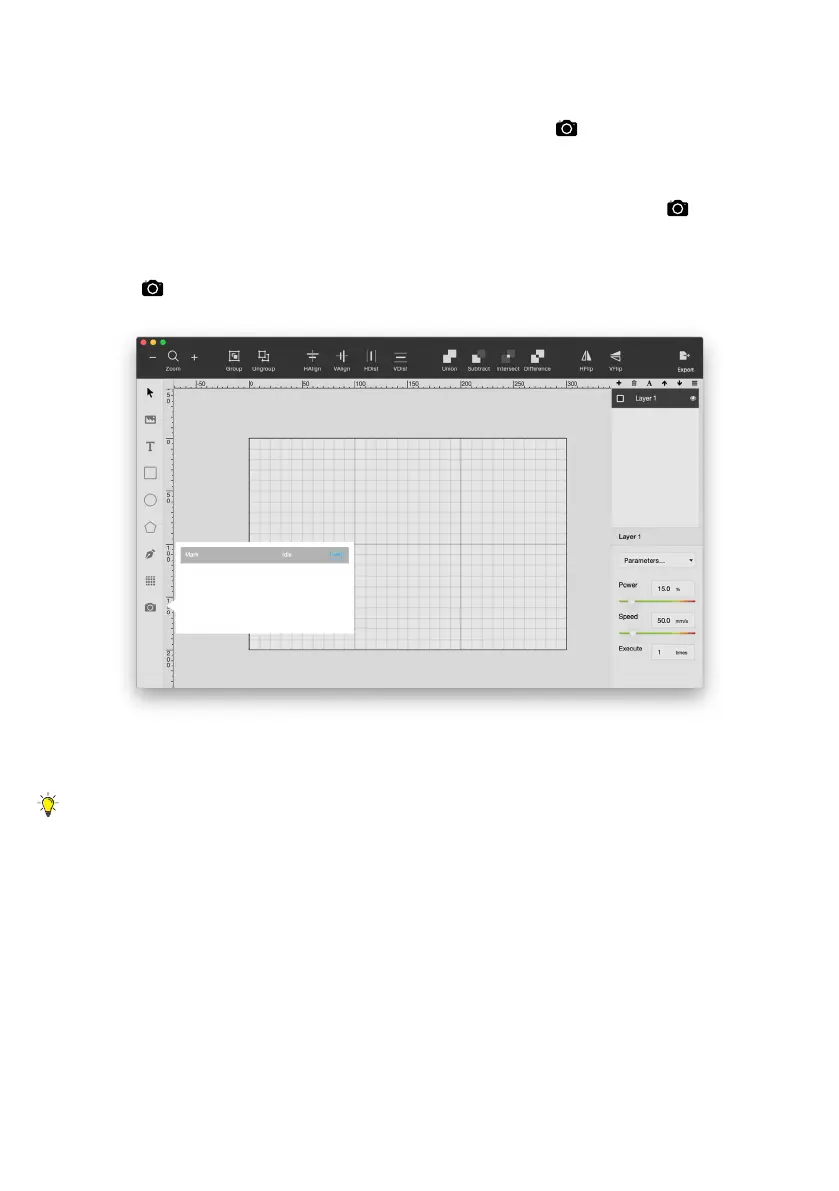
In Beam Studio, click on the camera icon (
) at the bottom
left and select your machine from the list. The preview mode
is ready when the mouse cursor becomes a camera (
).Click
and drag your mouse cursor to preview the work area. Click
on
again or press ESC to leave preview mode.
If the preview result is not accurate, click menu > Machine >
choose Machine > Calibrate Camera to run camera calibration.
Compare the red-dotted-line square with the actual square
engraved, manually adjust values to overlap the 2 squares.


 To Next Page