72
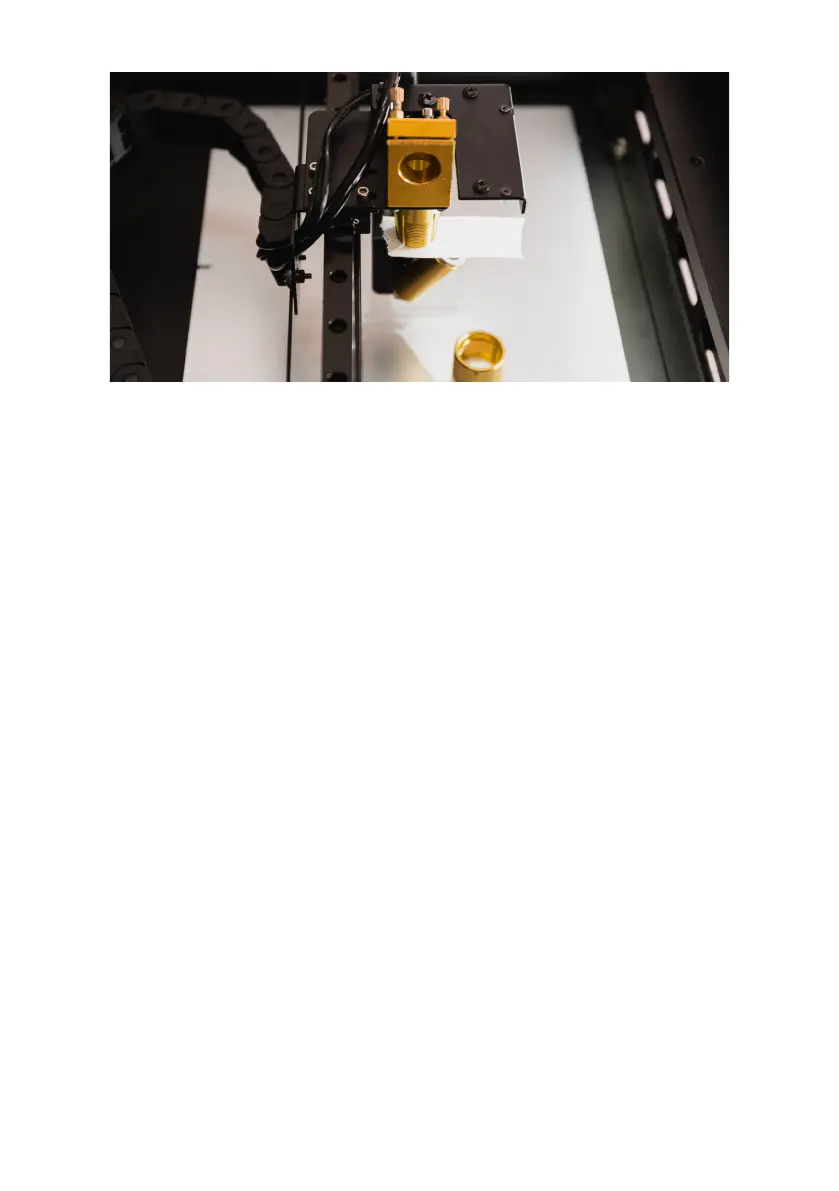
9. Close the door and press "Laser Pulse". Open the
door and check the dot. There are three scenarios:
• The shot is in the center of the circle. Indicating
the optical path is already vertical.
• The dot is on the right side of the circle. Indicating
the optical path has an angle which comes from
the top-right and exit to the bottom-left. Release
the each screws counter-clockwise half-round to
decrease the gap distance between the metal
pieces. Redo Step 5 - 9.
• The dot is on the left side of the circle. Indicating
the optical path has an angle which comes from the
top-left and exit to the bottom-right. Tighten each
screws clockwise half-round to increase the gap
distance between the metal pieces. Redo Step 5 -
9.
Make sure you run "Camera Calibration" again after the
adjustment is done.


 To Next Page