ELIOS 2 USER MANUAL Page 44 of 106
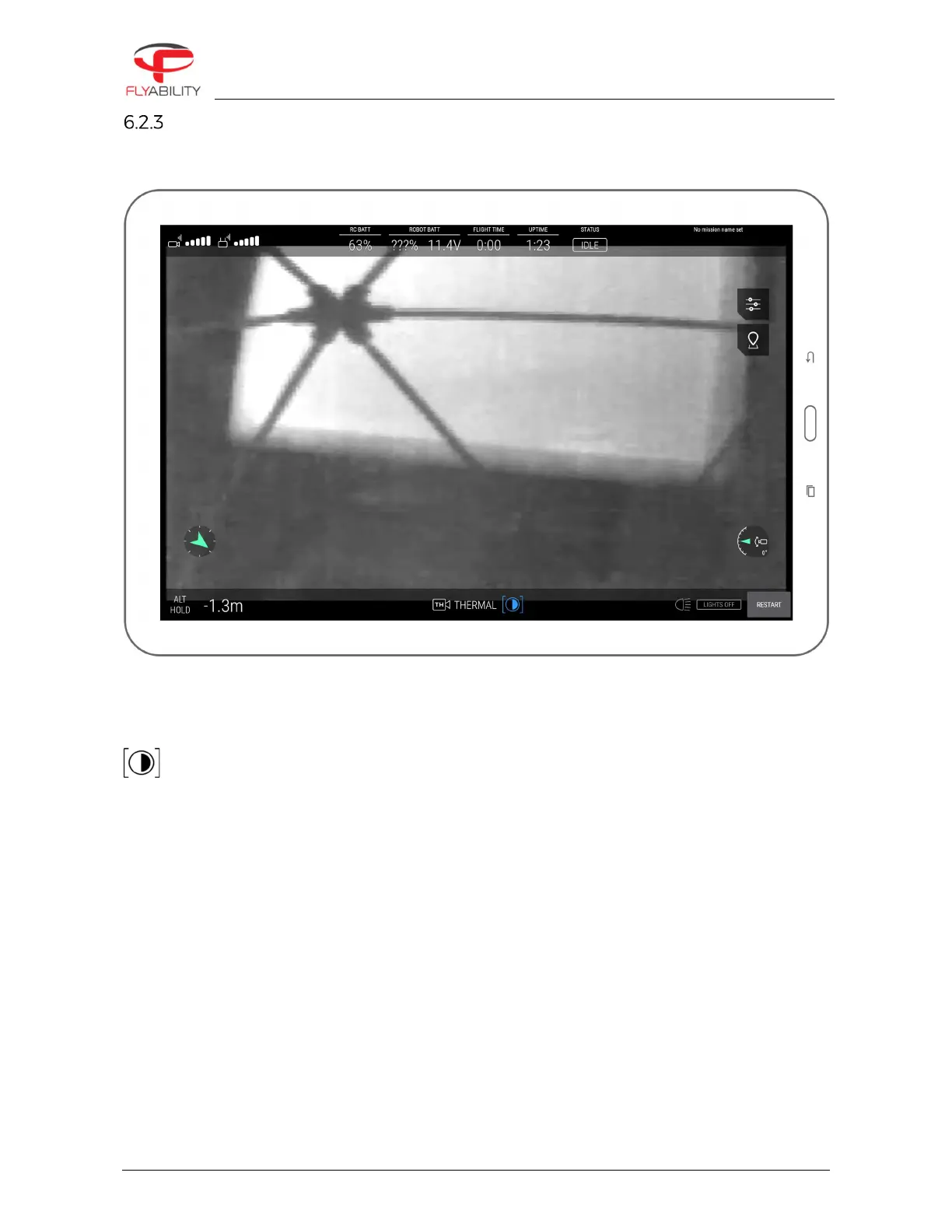
Thermal camera instrument panel
When the thermal camera view is active, the thermal camera target enlarges to the entire screen size so that
the viewer keeps track of the reduced field of view.
White displays the hottest and black the coldest area on the current frame. The range is always automatically
scaled from the coldest to the hottest temperature measured on the current frame.
The only available image setting in this mode is the contrast of the thermal image.
Scroll the settings wheel to change the contrast between the highest and lowest temperatures on the image.
Switching between thermal and optical image does not alter the video recordings on the aircraft, as both are
always recorded on the LOG and CAM SD cards respectively for later review. The same principle is valid for the
thermal contrast setting.



 To Next Page