ELIOS 2 USER MANUAL Page 77 of 106
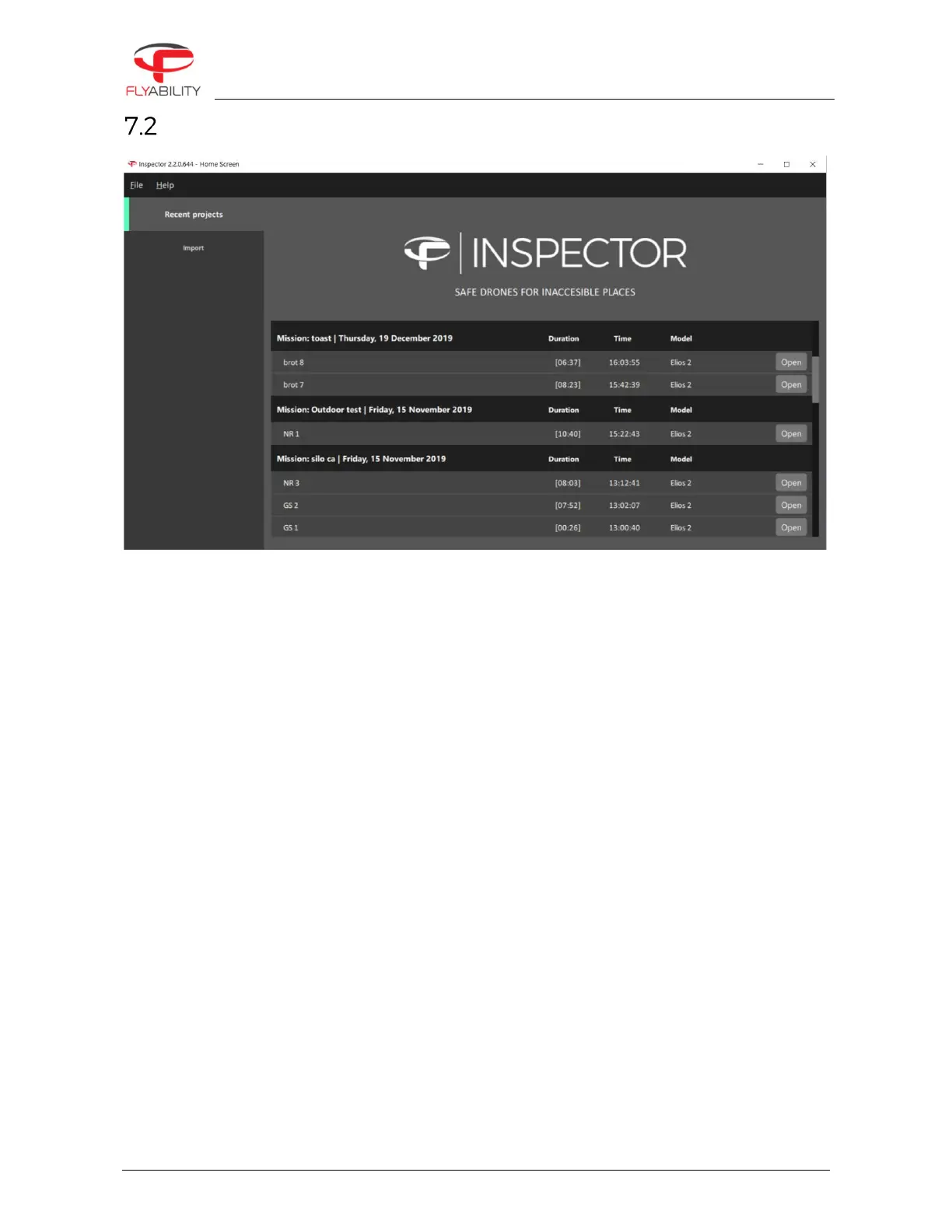
Home screen
OPEN RECENT PROJECT
Open an existing .efly project and load the corresponding video and LOG file.
An existing project can also be opened directly by double clicking the .efly file in its save location,
provided that the corresponding video and log files are in the same folder.
IMPORT
List all the flights from a directory, SD cards, or a connected Elios 2 drone. Inspector can automatically
match videos and LOG files. They can be played directly or imported and saved locally.



 To Next Page