ELIOS 2 USER MANUAL Page 79 of 106
The flight’s files are deleted from the source.
WARNING: THIS CAN NOT BE UNDONE, DOUBLE CHECK THAT THE IMPORT WAS SUCCESSFUL
BEFORE DELETING FILES.
PREVIEW
If the flight was previously imported, then flight will be opened from the destination folder. If not, it will
be played from the source.
Matching files manually
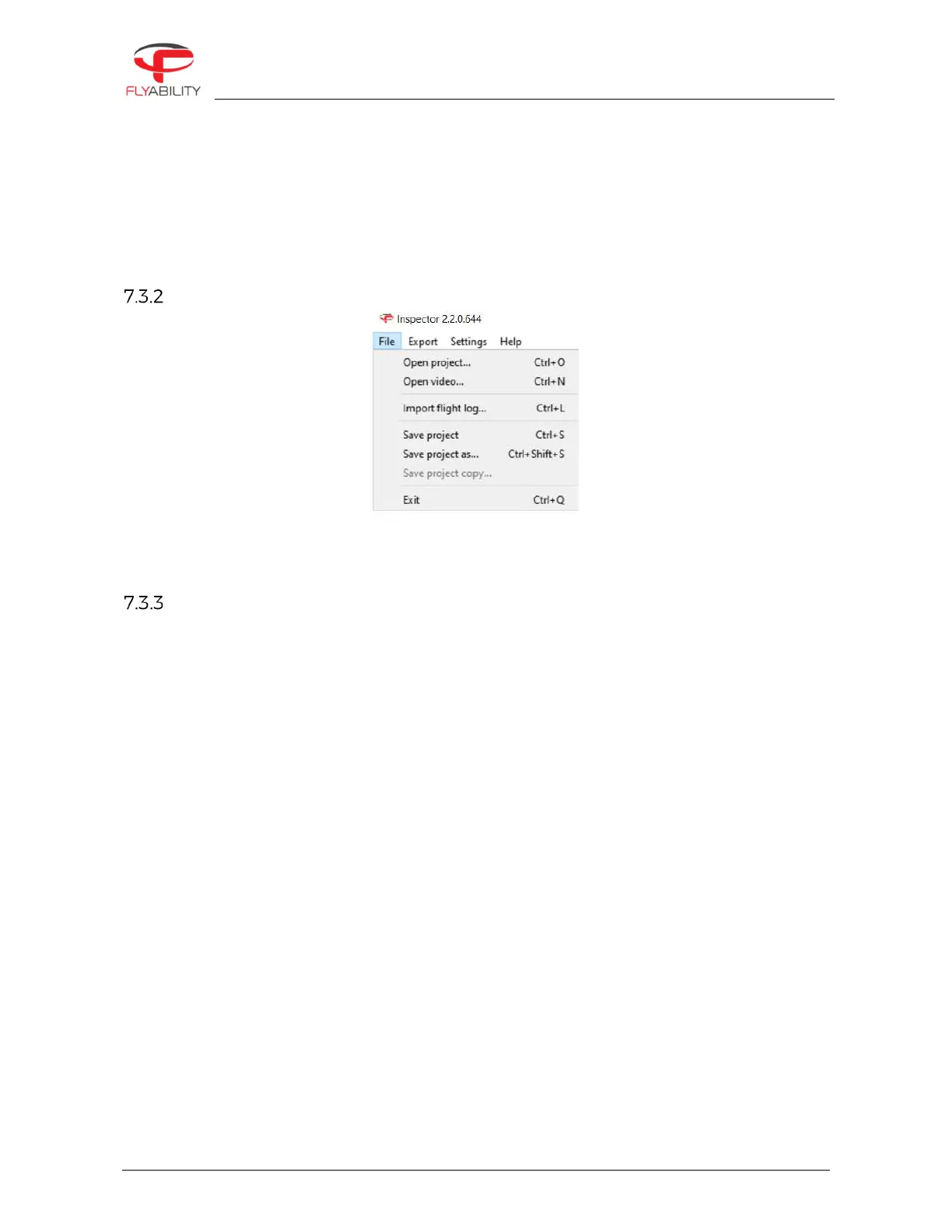
By clicking on “Import video (Ctrl+L)”, Inspector will load the video. To add telemetry data, click on “File > Import
flight log (Ctrl+L)”.
Save a project
Once a project is created, it is possible to save it by clicking on “File > Save project (Ctrl+S)” or “File > Save project
as… (Ctrl+Shift+S). Saving the project will create an .efly project file linking flight’s file together for later use.



 To Next Page