Configure I/O
Configure General Purpose Inputs
General purpose input 1–8 can be connected to several types of external equipment.
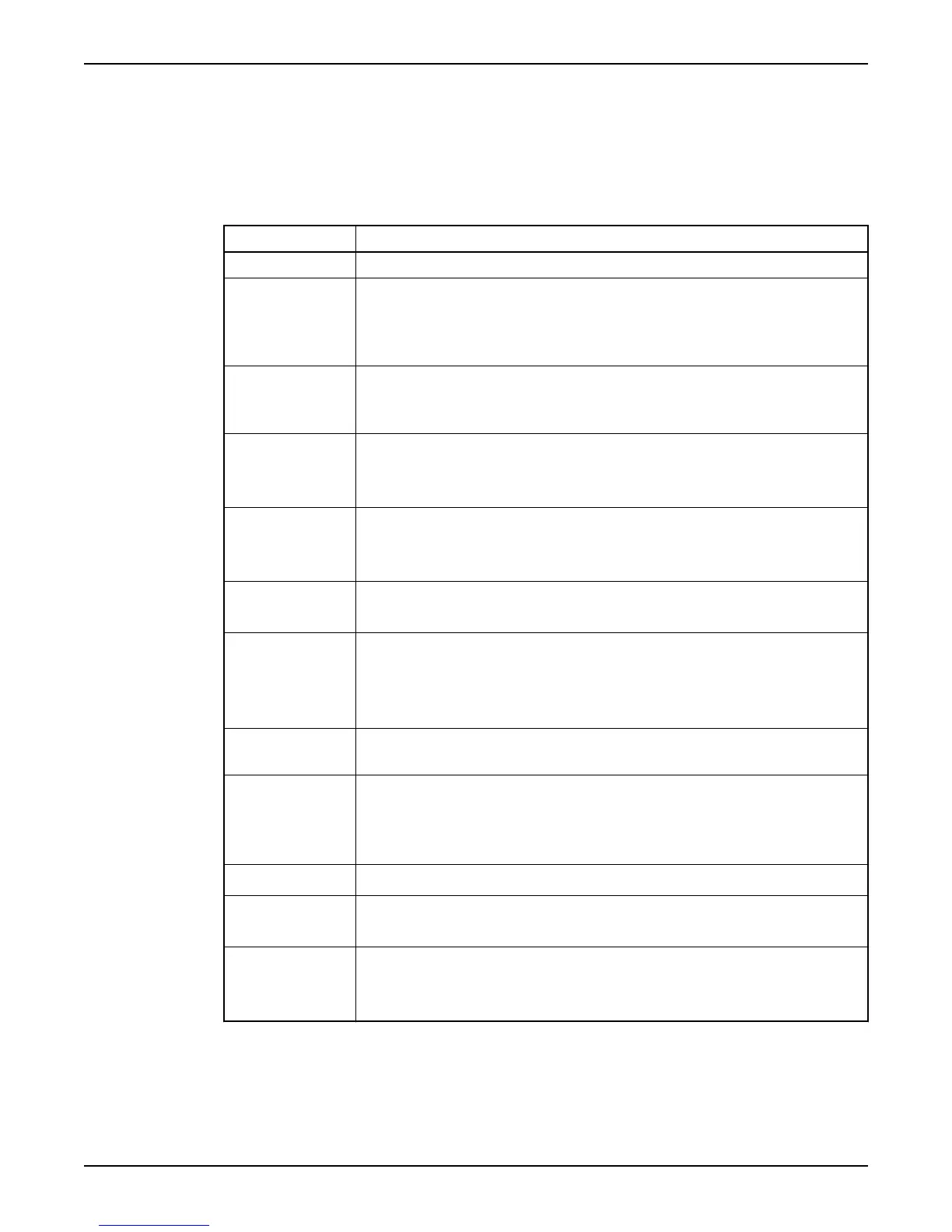
Types of functions
Function Description
Px auto (P1 - P4 auto) General purpose input 5–8 can be assigned as automatic mode input for pump 1–4.
Blocking When the input is activated:
• All pumps are blocked. They remain blocked as long as the blocking signal remains
active.
• A blocking alarm is generated.
External alarm General purpose input 1–8 can be assigned as Alarm input 1–8.
When an input is activated, the corresponding external alarm is generated. For example,
"Alarm input 3".
High level When the input is activated:
• Available pumps are started.
• A high level alarm is generated.
Low level float When the input is activated:
• Pumps are temporarily blocked until start conditions are fulfilled
• A low level alarm is generated.
Px manual
(P1 – P4 manual)
General purpose input 1–4 can be assigned as manual mode input for pump 1–4.
Overflow The input from the overflow sensor is used to:
• Measure number of overflows, and major overflows.
• Measure accumulated overflow time.
• Estimate overflow flow and volume.
Personnel The input is connected to a selector switch, usually a light switch in the pump station. When
flipped, the personnel alarm function is activated.
Power failure The input is connected to a device supervising mains power supply. When the input is
activated:
• Mains error alarm is generated.
• All pumps are blocked.
Rain meter Used to measure rain fall.
Px Spare alarm
(P1 – P4 Spare alarm)
When the input is activated, a spare alarm is generated.
High temp. Px (High
temp. P1 - P4)
The thermal contact for a pump is normally closed. When opened:
• The pump is blocked. It remains blocked as long as the thermal contact remains open.
• A high temperature alarm is generated.
Exception: EX-mode
In EX-mode, General purpose input 1–4 are automatically assigned as manual mode inputs
for pump 1–4. (Reference: “EX-classified Environment”).
Exception: Three pumps or less
Configure I/O
14 APP 541 User manual



 To Next Page