Monitor Alarms in the RTU
Acknowledge/Silence an Alarm
When a new alarm is generated, the common alarm output may be turned on. Example:
• Siren
• Lamp
When the alarm is acknowledged, the output is silenced as well. The alarm is not removed
from the alarm log.
Acknowledge a new alarm
Press Reset.
Monitor and Erase Alarms in the Alarm Log
The last 100 alarms are listed in the Alarm log.
Restriction
Only passive alarms can be deleted from the Alarm log.
Example: Mains error alarm has become passive
Text in alarm log: "Mains error 09/12/07 6:45A PB"
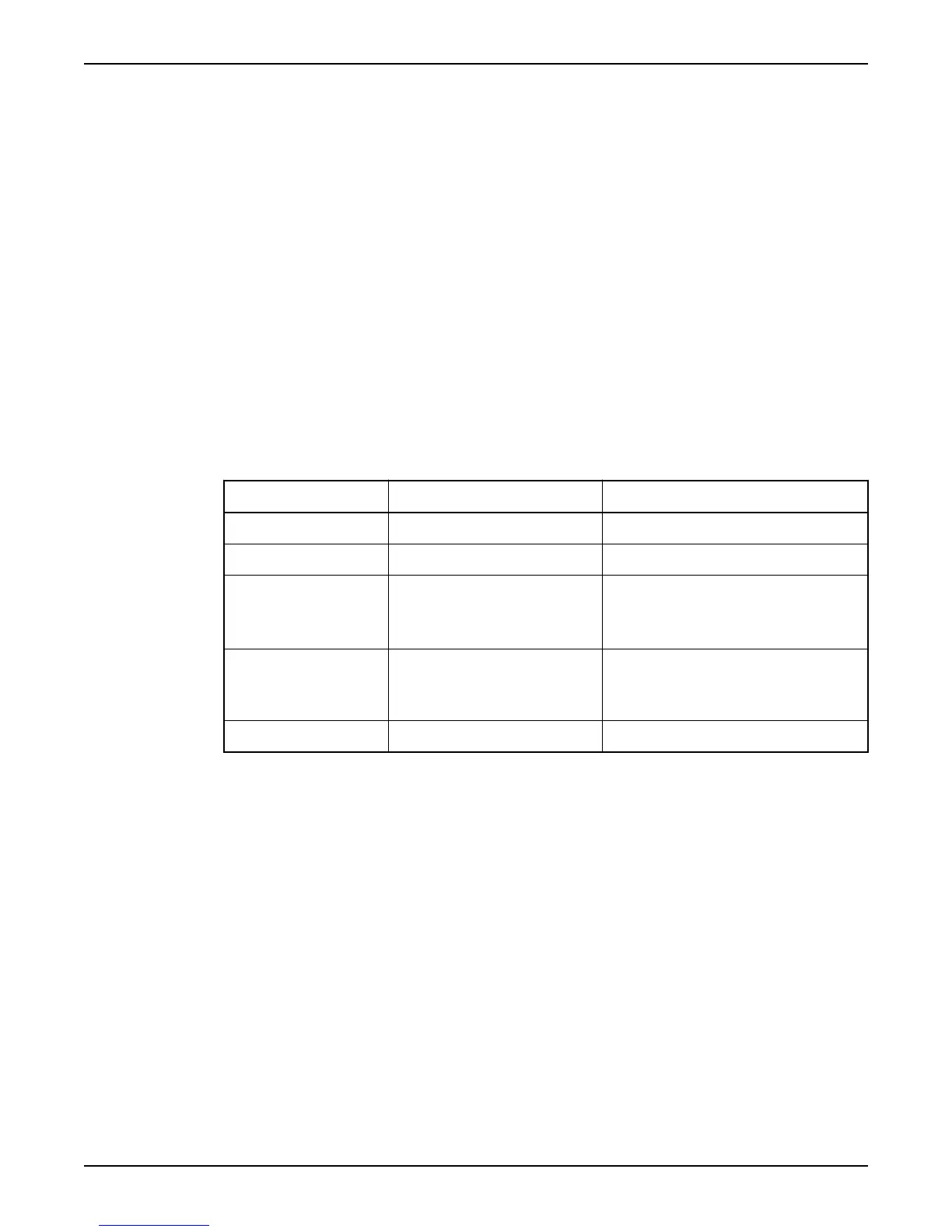
Structure: Alarm in alarm log
Field Text in example Comment
Alarm text Mains error
Date
6:45A
Time 06:45 Legend:
• A is AM
• P is PM
Alarm type P Legend:
(A) is active alarm
(P) is passive alarm
Alarm priority B A, B, C or D
Open the alarm log
1. Display the Alarm log menu (1).
Result: The number of alarms in the alarm log are also shown in the menu window.
2. Press OK.
Result: The first alarm is displayed in the menu window.
Navigate the Alarm log
Press the Up or Down arrow.
Delete alarms
1. When an alarm is displayed in the menu window, press OK.
Result: The text "Delete alarm?" is displayed.
2. Press the Up or Down arrow to select either:
• "Current" – only the current alarm will be deleted.
• "All" – all alarms will be deleted.
3. Press OK.
Result: The text "Log cleared" is displayed.
Close the Alarm log
Press Esc.
Monitor Status and Alarms
40 APP 541 User manual



 To Next Page