Configure Communication
Systems
Direct communication with the SCADA system
In this system the RTU communicates directly with the SCADA (central) system.
A modem, a radio or a signal cable is used for the transmission of information between the
units in the system.
Either the factory settings or the first user profile of the modem (profile 0) can be used. In
the first case no special configuration of the modem is required but in the second case the
user profile has to be configured prior to use with the RTU.
Communication via MTC-COM
In this system the RTU communicates with the SCADA system, via the communication unit,
MTC-COM.
A modem, a radio or a signal cable is used for the transmission of information between the
units in the system.
Prior to use with the RTU the first user profile of the modem (profile 0) has to be
configured.
NOTICE:
The factory settings of the modem cannot be used in this case.
Modems
Communication is possible using PSTN, GSM, GPRS, or radio modem.
The modem can either use factory settings or user profile 0, which must then be pre-
configured.
Example: Configuring a TD-33 modem
To configure the modem:
1. Start Windows Hyperterminal program.
2. Select and configure the COM port to which the modem is connected:
• Bits per second: 9600 (or another speed you want to use)
• Data bits: 8
• Parity: Use the same setting as in the modem (none, even, or odd).
• Stop bits: 1
• Flow control: Hardware
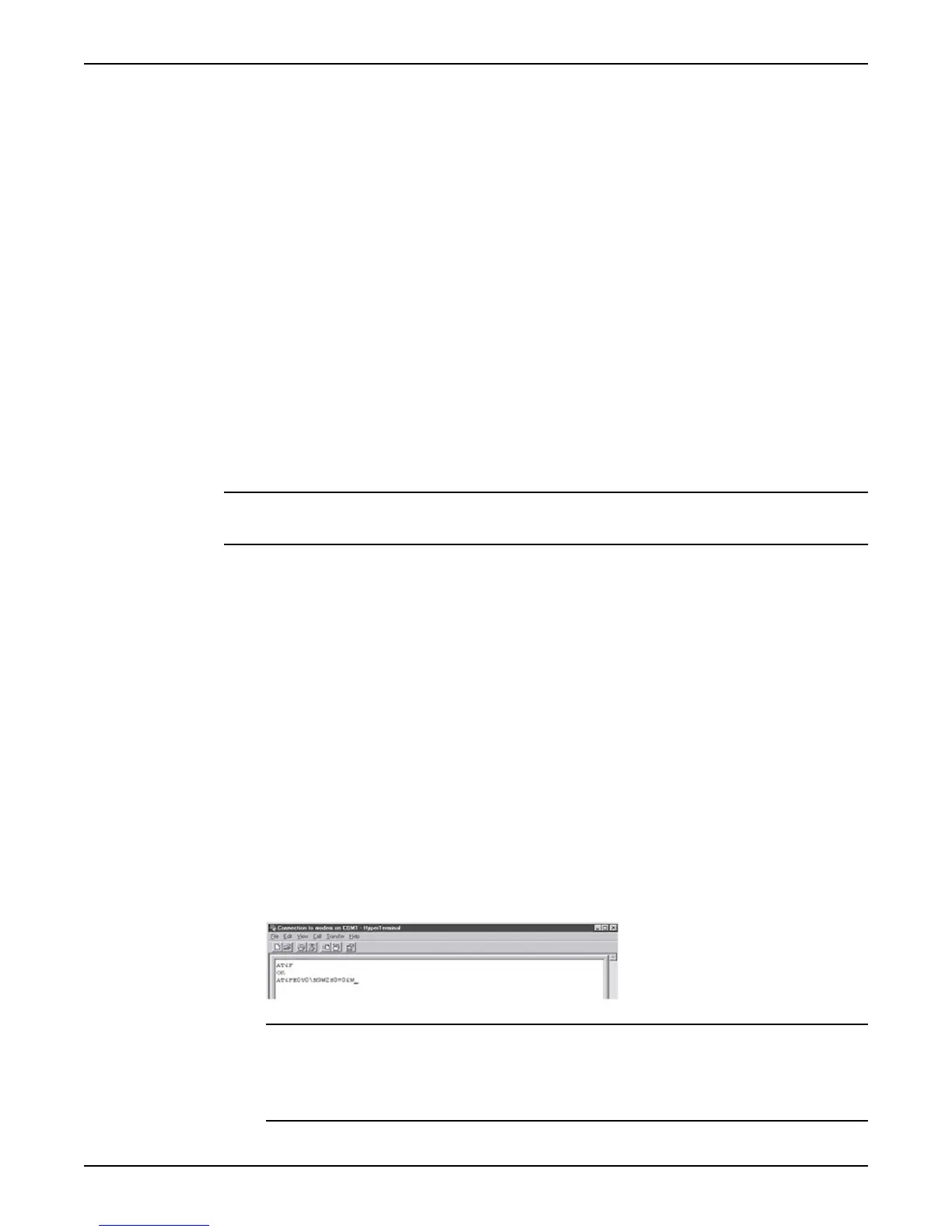
3. Type "AT&F" and press Enter.The modem will answer "OK".
4. Type in the initialization string: E.g. AT&F E0V0 &K3 &D2\\N3 %E0 S36=3 S0=0 and
press Enter.
NOTICE:
The initialization string must be permanently stored in the modem. Either:
• Append "&W" to the initialization string,
or
• Type "AT&W" after entering the initialization string.
Configure Communication
24 APP 541 User manual



 To Next Page