Front Panel
Front Panel
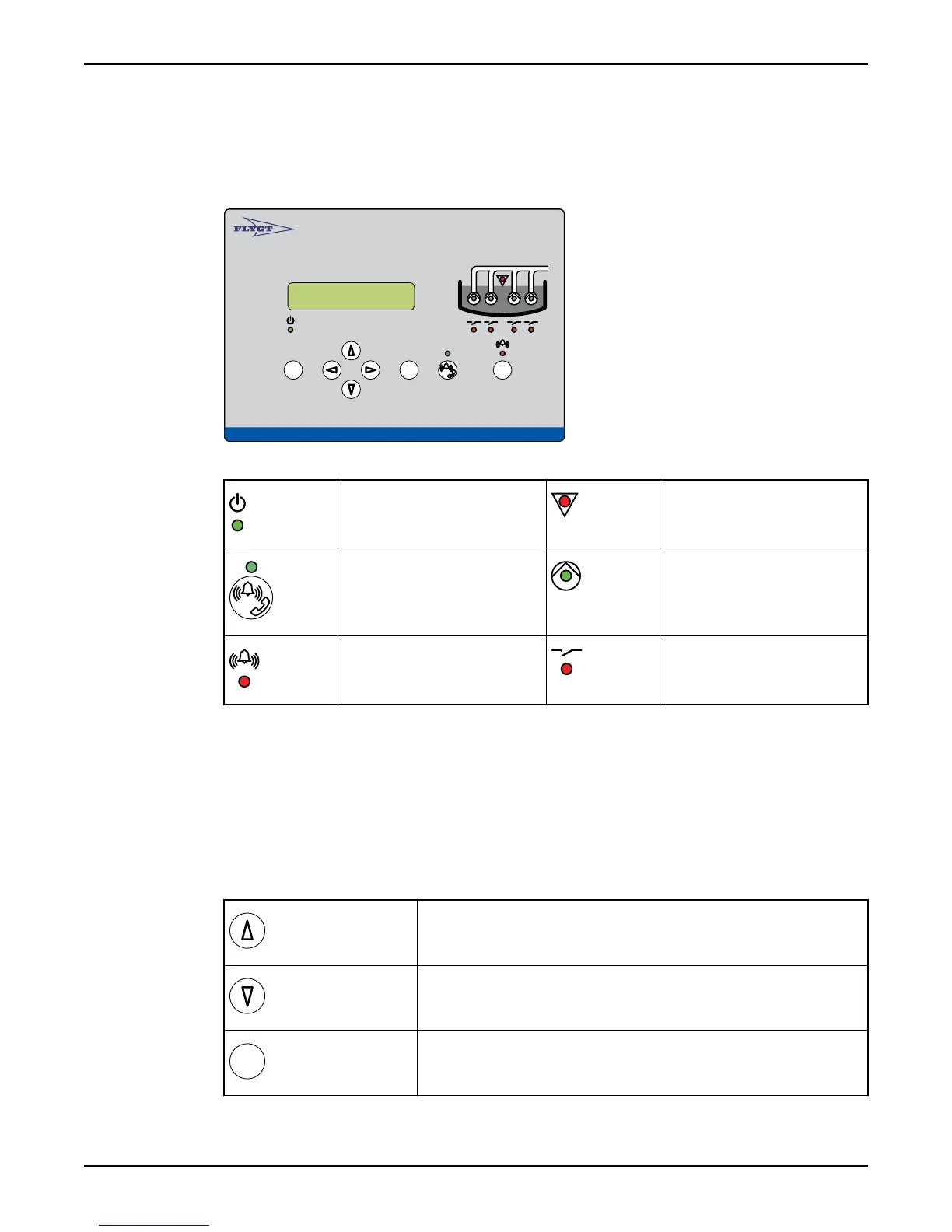
Illustration: Front panel
Autamatic Pump Pilo t APP 541
Rese t
Esc
OK
LEDs on front panel
Power LED High level LED
Communication status LED Pump status LED
Alarm status LED Relay status LED
(Reference: “Monitor Status on Front Panel” for an explanation of LED functions).
Push buttons on front panel
The push buttons are used to browse menus, and edit parameter values. Each menu has
an indicator, for example "20".
• The indicator is shown for 3 seconds only.
• An underscore after the last number indicates a submenu, for example "2_".
(Reference: “List of Menus” for a complete list of menus).
Viewing a menu
Use the Up arrow to scroll backwards one menu at a time.
Use Down arrow to advance one menu at a time.
Press OK to display the first menu in a submenu group.
Front Panel
8 APP 541 User manual



 To Next Page