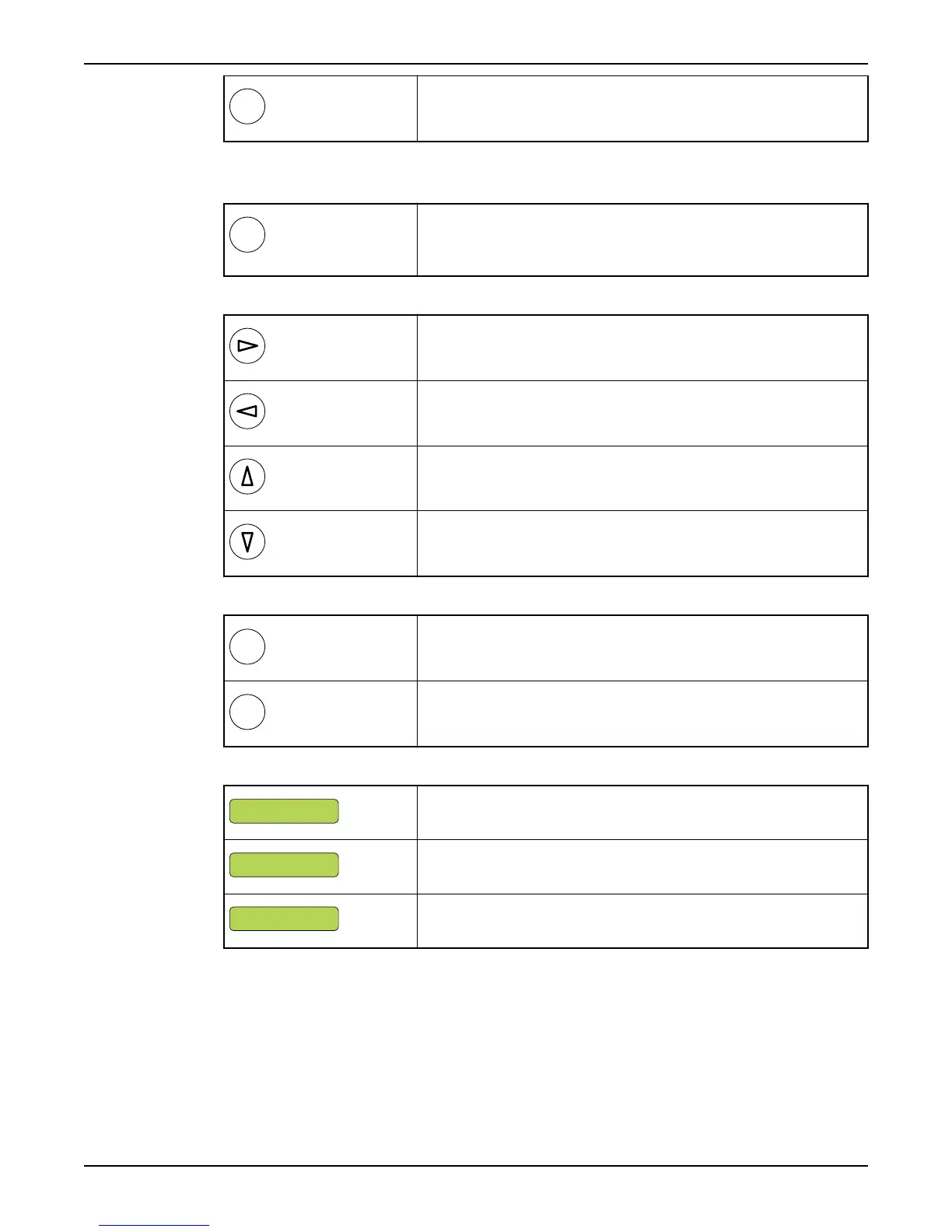
Press ESC to return to the last menu shown in the previous menu group.
Changing a parameter
Display the relevant menu as described above, and then:
Press OK. Either:
A flashing cursor appears,
or
The text "Read only" is displayed.
If the value is numerical, move cursor to relevant position.
Advance with the Right arrow
Move backwards with the Left arrow.
To select a higher value, press the Up arrow.
To select a lower value press the Down arrow.
For text menus, the next available alternative is displayed instead of a value.
Press OK to save the specified value.
Press Escape to exit the menu without saving.
When you save a value, the result is displayed:
Value has been saved.
Value is below permissible range (xx). Enter a higher value.
Value is above permissible range (yy). Enter a lower value.
Show installation and service menus
To show menus that are used only during installation or service:
• Select "Yes" in the Show more menus menu (18).
• If the password function is in use, enter the password instead.
Front Panel
APP 541 User manual 9



 To Next Page