NOTICE:
When the display has been idle for ten minutes:
Backlight is switched off.
Only default menus are shown.
Miscellaneous buttons
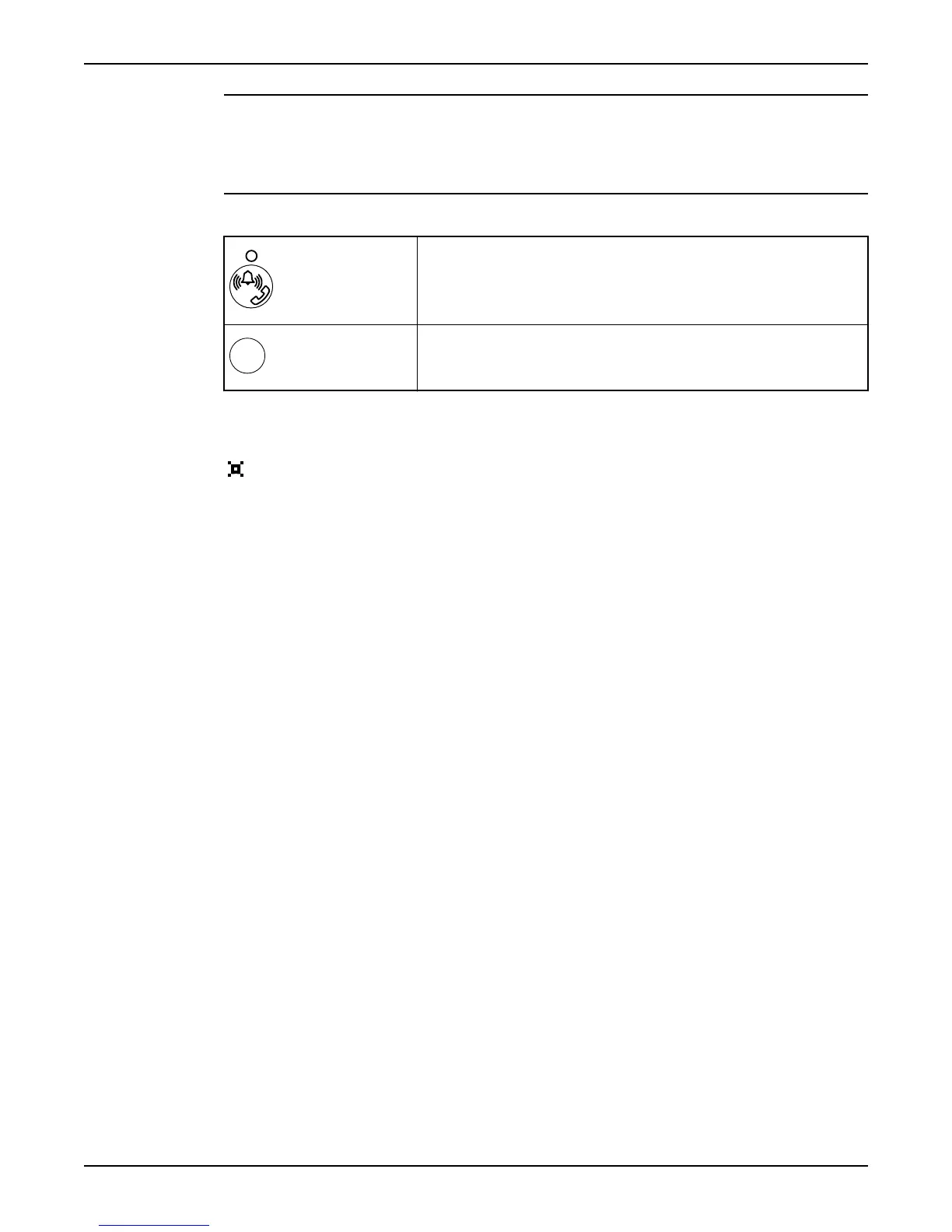
Shift between remote and local alarm handling. (Reference: “Disable Alarms
Temporarily”).
Acknowledge a new alarm. It is not removed from the alarm log. (Reference:
“Monitor and Erase Alarms in the Alarm Log”).
Language
The display language is changed in the Language menu (20_). Look for the
symbol. It is shown in the top-left corner of the Language menu.
To show parameter values in U.S. units, select the language "English US".
Front Panel
10 APP 541 User manual



 To Next Page