3. Scroll to the required alarm and press OK.Result: A "Delete alarm?" message
appears and “Current” is displayed.
4. Choose between "Current" and "All" by pressing the Down button and then OK.
Result: The alarm is cleared and the text "Log cleared" message is displayed.
Change a parameter value, for example a level setpoint
1. Display the Level (2_) menu and press OK.
2. Select the menu you want to change (Start / Stop level 1–4 or High / Low level). Press
OK.
3. Select a new parameter value or alternative. Press OK.
Show installation and service menus
To show menus that are used only during installation or service, select “Yes” in the Show
more menus menu (18). The backlight is switched off when the display has been idle for
ten minutes.
Menu reference chart
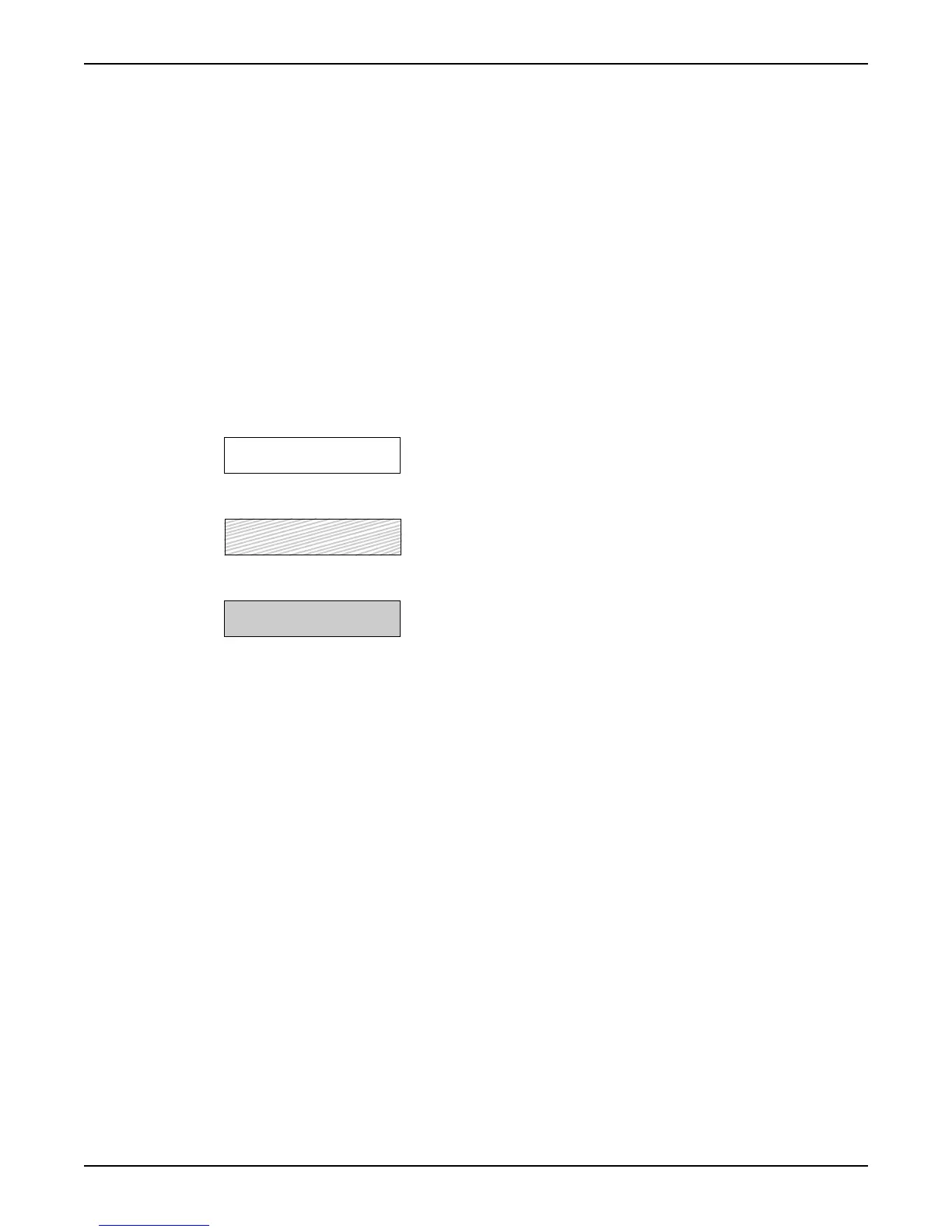
Legend (Flygt default settings):
Always shown:
Normally hidden:
Shown depending on configuration:
Shortguides
6 APP 541 User manual



 To Next Page