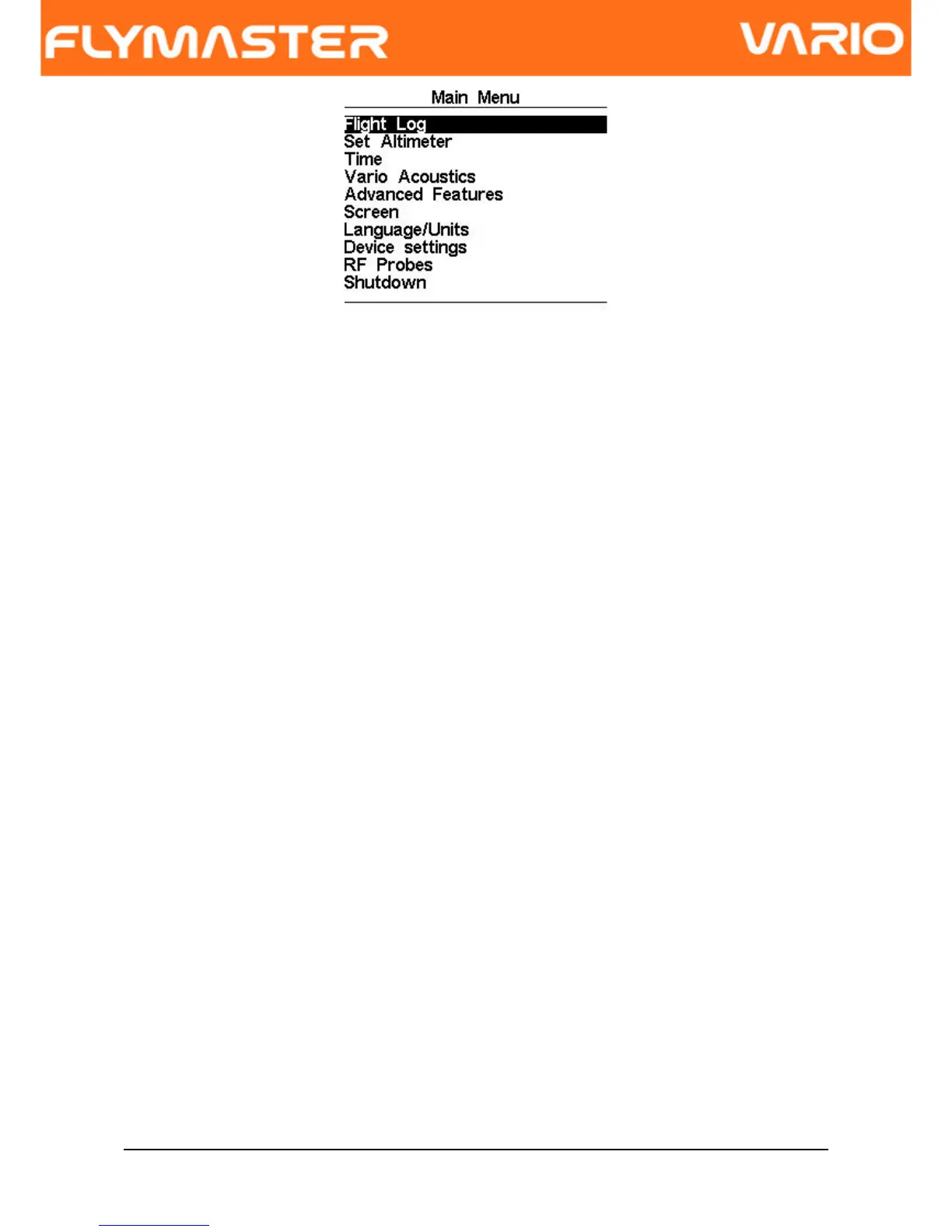
Figure. 9 - Main Menu Screen
To access the different items on the menu you can use the UP(S3) and DOWN(S4) keys.
Once a menu item is selected pushing the ENTER (S2) executes the selected function.
The main menu screen can be seen in Figure. 9.
6.1 Flight Log
The Flight Log option allows the user to access information about previous saved flights. In
the top of the screen a list of flights is showed. Each flight is identified by the take off
date ,time and flight duration.
Flights can be selected using UP and DOWN keys. For each flight the flowing information
is displayed:
•Max. Altitude – Maximum altitude during flight (ASL).
•T.off Alti. - Take off altitude.
•Min. Sink – Maximal sinking rate
•Max Climb – Maximal climbing rate
Document version: 2.0 Page 16



 To Next Page