6.3 Time
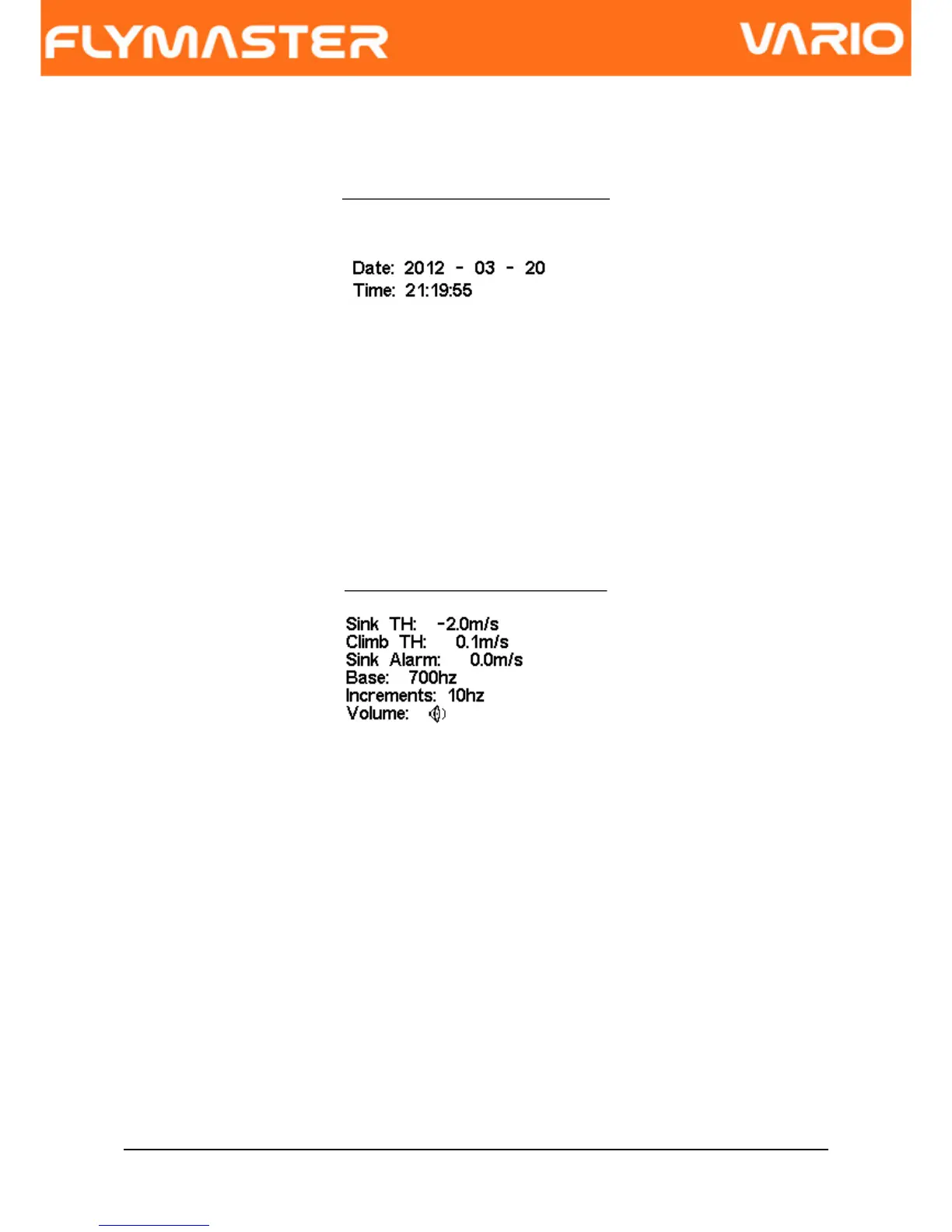
The “Time” page allows the user to set the time, and date. (see Figure. 12)
Figure. 12 - Timing Parameters
6.4 Vario Acoustics
The user can change the climbing, and sinking rate sound through the respective
threshold values. These thresholds correspond to the climbing and sinking rates at which
the sound activates.
Figure. 13 - Vario Acoustics
The user can also define in the Acoustic Thresholds option the sink alarm and the sound
volume. (see Figure. 13).
6.4.1 Sinking/Climbing Threshold
The sinking threshold is set to -2 m/s by default. The value can be changed by pressing
the ENTER key when the “Acoustic Thresholds” option is highlighted on the settings menu.
This action will highlight the “Sink TH” threshold which can be changed using UP and
DOWN keys, respectively to increase and decrease the value. Confirmation should be
made by pressing the ENTER key, which at the same time highlights the “Climb TH”
threshold. The same procedure can then be used to adjust the climbing threshold.
Document version: 2.0 Page 18



 To Next Page