Additionally this menu also allows to make an hardware reset to the instrument. The
result is the same as the one presented in section 3.5 . In order to reset the instrument
use UP, or DOWN key to change the “Reset Now” parameter to “Yes”, and then confirm
the action with the ENTER key.
6.9 RF Probes
The “RF Probes” menu option allows the user to set the ID of the M1, (motor instrument),
and Pitot probe (Wind Speed). The ID is important to distinguish between different external
instruments/probes in a scenario were several pilots are near one of each other.
The ID corresponds to the last for digits of the serial number of the probe you wish to
connect.
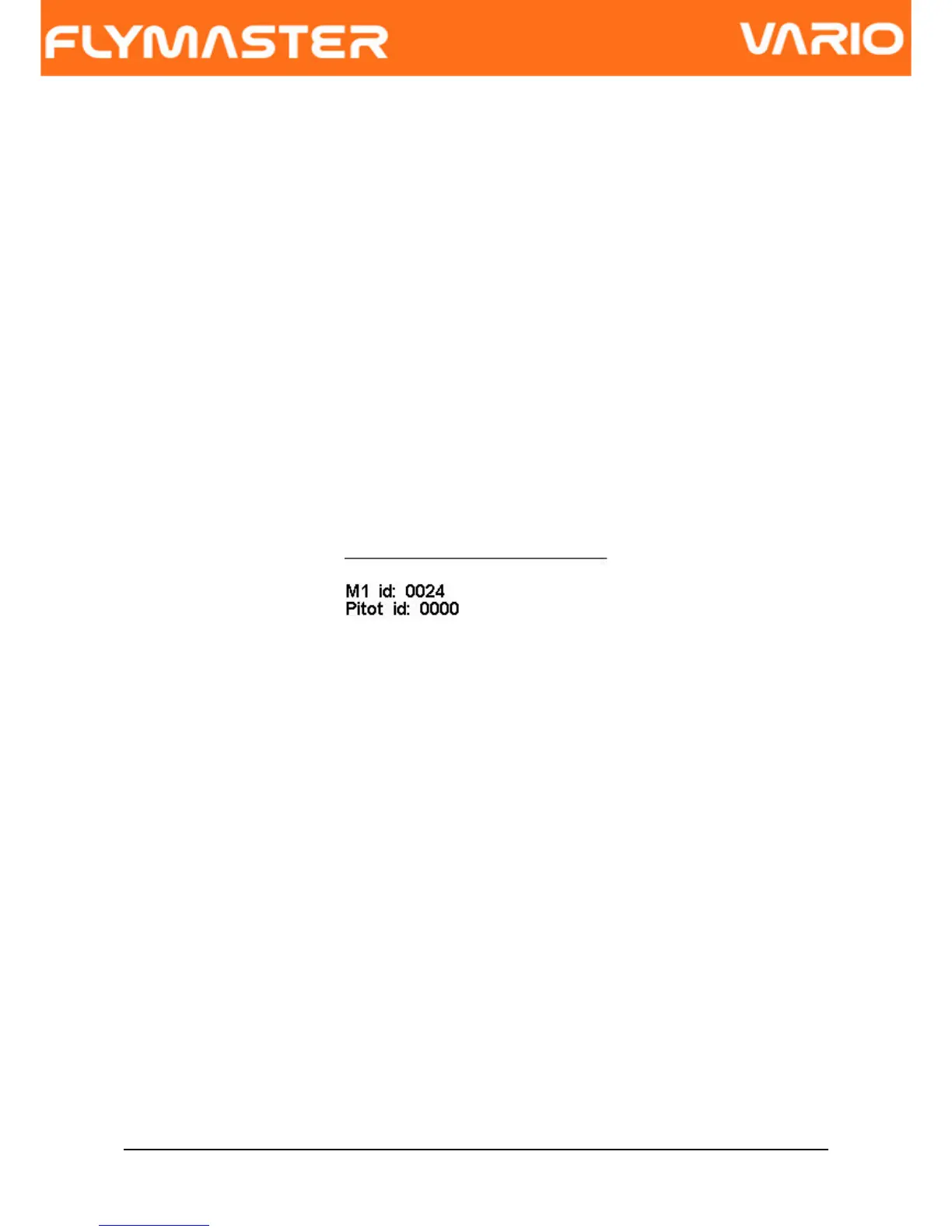
For example consider the M1 with the serial number S/N 1034 00024. In this case the M1
ID should be set to 0024 (see Figure. 19)
Figure. 19 - RF probes ID setting
7 Firmware
Flymaster follows a policy of continuous improvement of its products. This means that a
new version of firmware can be uploaded from our website periodically. The update
process is simple.
Before beginning update procedure make sure you download the next files from the
download page of VARIO product section:
• USB Drivers according the operating system(Windows, windows 7 64bits or MAC
OS X)
• The last version of the firmware(VarioFirmware.fmf)
Document version: 2.0 Page 25



 To Next Page