The Vario has six different sound levels, plus “no sound”. Pressing UP, or DOWN, key will
respective increase, or decrease the sound level. After setting the sound value , to confirm
and return to Settings menu press the ENTER key.
Note that sound volume can also be adjusted using one FS key. However, changing
the volume using the S3 key is only valid for the current flight, and will not override
the volume level setting.
Every time the instrument is turned on, if the sound is muted, a alarm is generated
in order to notify the pilot.
6.5 Advanced Features
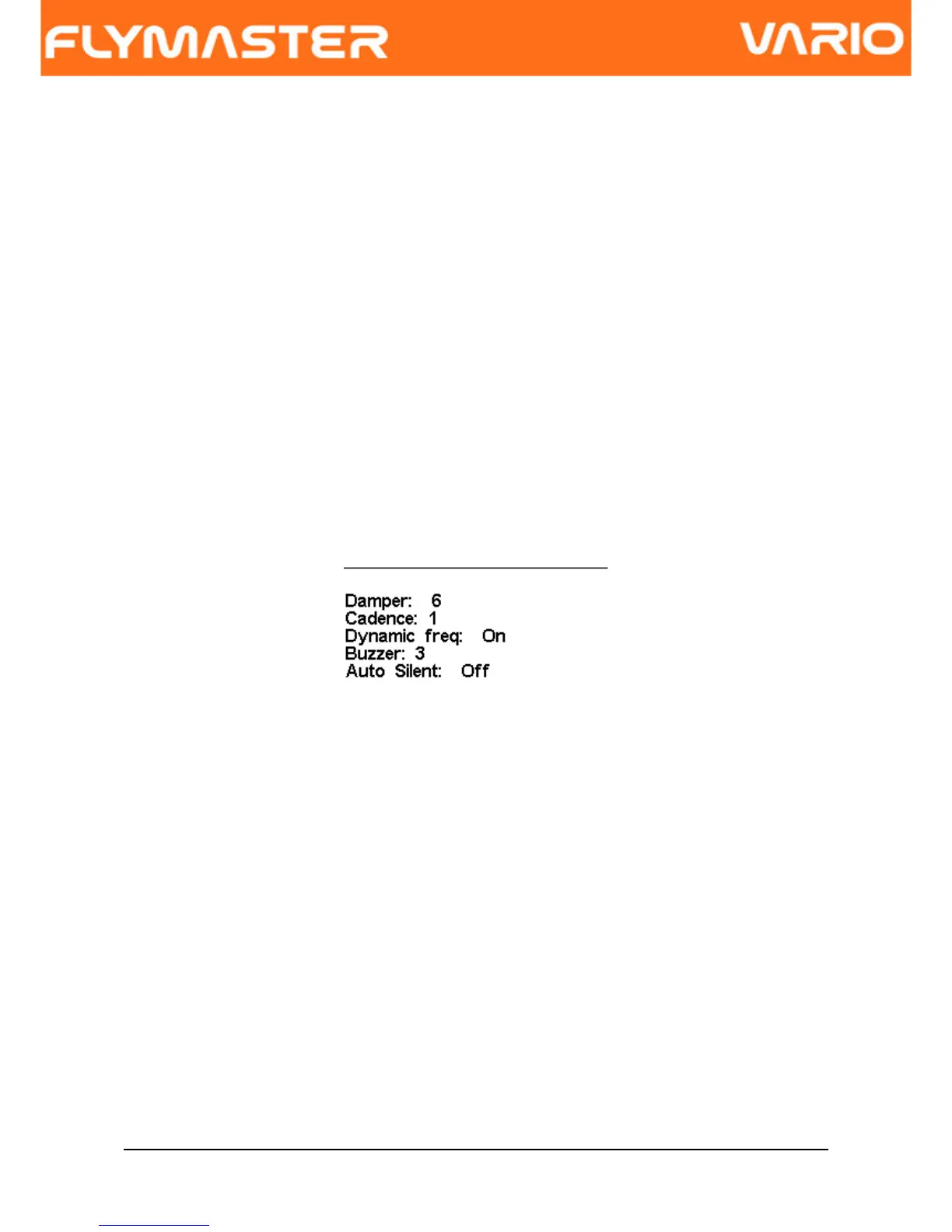
The advanced features settings option can be used to set further the vario acoustics, and
also the integration time constant for the integrated vario.
Figure. 14- Advanced Features
Using advanced features menu the user can turn the vario sound more or less responsive,
and can also turn on, and off, the buzzer functionality.
There are five advanced features:
6.5.1 Damper
The VARIO's vertical speed calculation is based on air pressure variations. It is very
seldom to have air pressure absolutely stable. Turbulence caused by air moving near the
sensor is sufficient to cause small variations in pressure. For this reason the VARIO filters
(averages) the pressure data to prevent constantly detecting tiny pressure variations. The
value that defines how must the pressure is filtered is the “Damper”. Setting a lower
damper value caused the VARIO to become more responsive but harsher. Inversely a
Document version: 2.0 Page 20



 To Next Page