keys simultaneously for at least two seconds.
4 Flight Mode
The Flymaster VARIO has two main working modes, namely Flight mode, and Menu
mode. Flight moe is used during flight, and this allows the user to see information such as
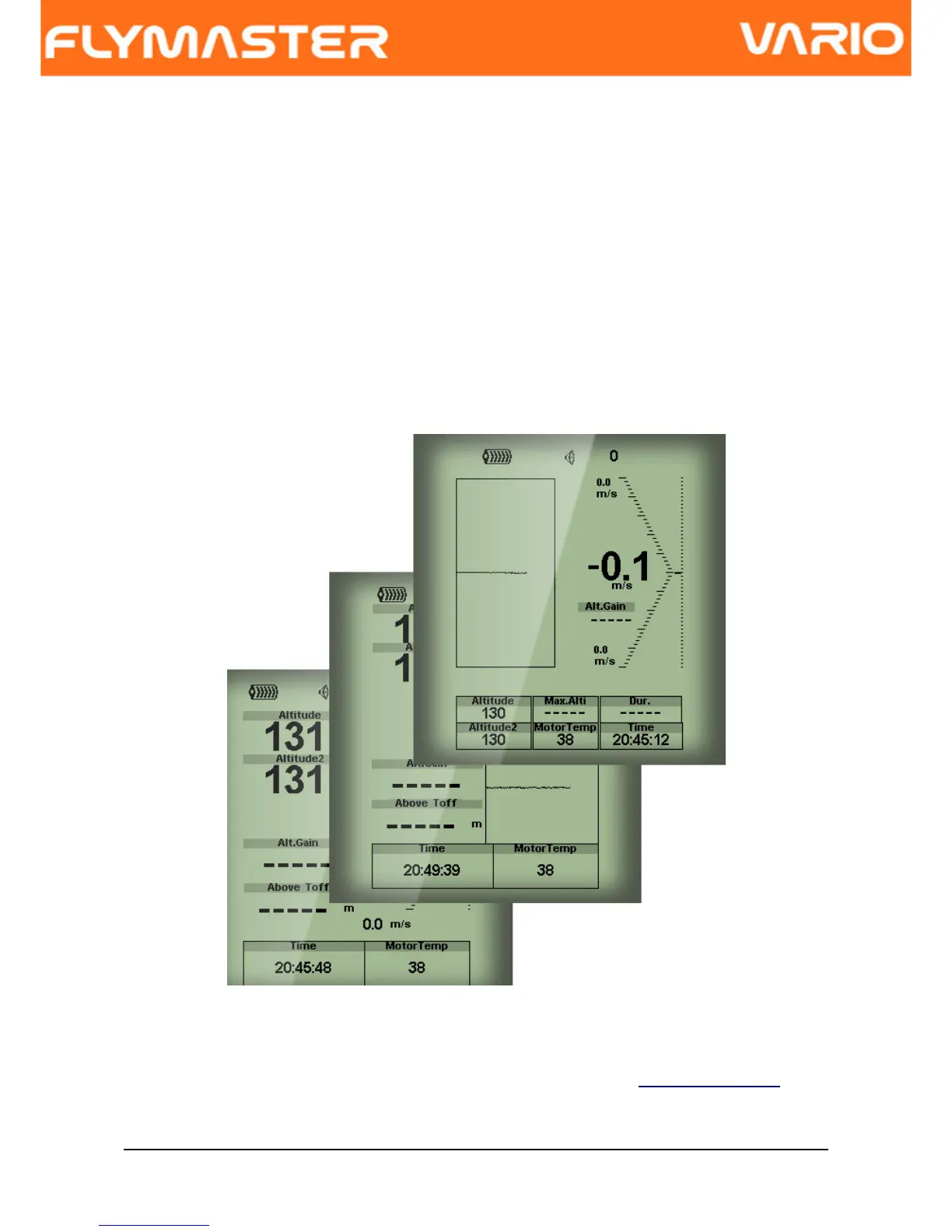
Altitude, or Vario. The VARIO has up to 16 different pages (see Figure. 4) in memory. Each
page corresponds to a different screen, which can be completely configured by the user. A
set of 16 pages is called a Layout. Once a Layout containing multiple pages has been
defined, the user can switch page using the S2 Key(ENTER) in Flight Mode.
Figure. 4 - Layout pages examples
Screen layout can be configured by the user using a free application, called “Flymaster
Designer” which can be downloaded from the Flymaster website (www.flymaster.net). This
intuitive tool allows the user to create an unlimited number of layouts, which can be saved
to the computer, uploaded to the instrument, and even shared with other Flymaster users.
Document version: 2.0 Page 9



 To Next Page