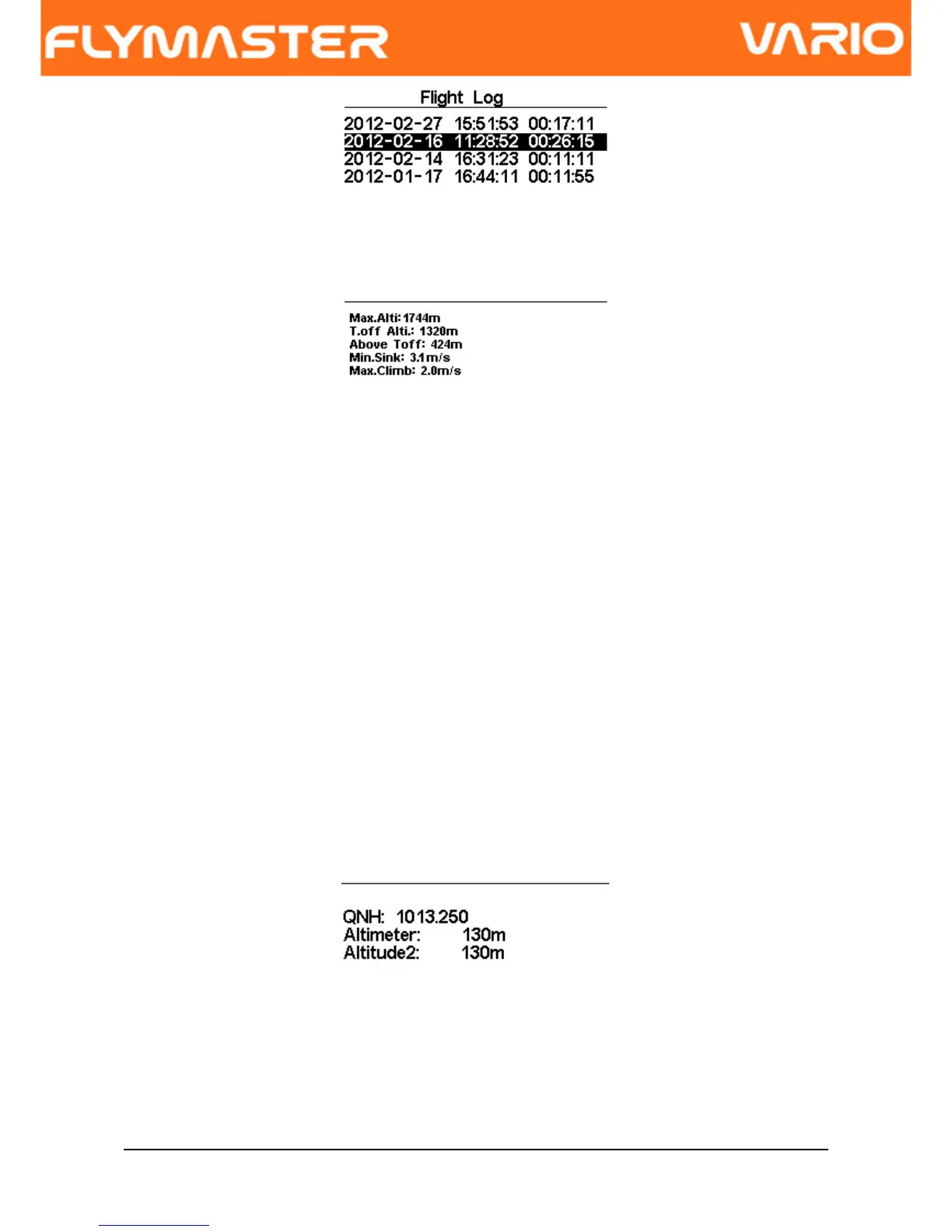
Figure. 10 - Flight Log
6.2 Set Altimeter
The “Set Altimeter” page allows the user to adjusts the barometric altimeters. The VARIO
has two altimeters. A barometric altimeter calculates altitude based on atmospheric
pressure. Since atmospheric pressure can vary substantially with meteorological
conditions it should be calibrated prior to takeoff.
Calibrating the main altimeter can be achieved by entering the know altitude of the
location. Changing altitude of the main altimeter automatically calculates the QNH.
Conversely, if the QNH is changed then the value of the main altimeter is adjusted
accordingly. This method allows calibrating the altimeter by either entering a know altitude
at the current location, or known QNH for a particular instant in time at the current location.
Figure. 11 - Set Altimeter
Altimeter 2 is dependent of the main altimeter, and also QNH. However, changing the
altimeter 2 does not change the main altimeter, neither the QNH.
Document version: 2.0 Page 17



 To Next Page