6.7 Language/Units
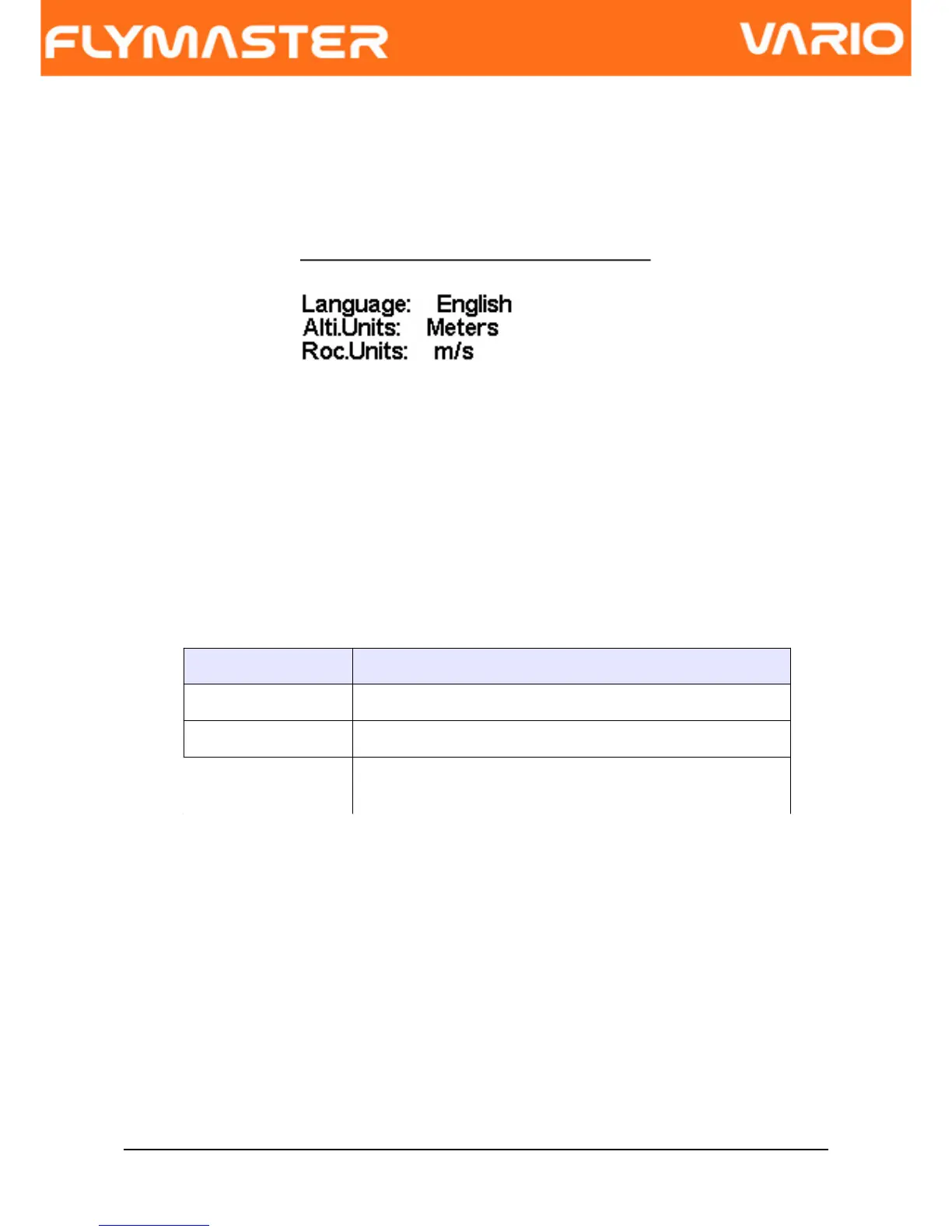
The “Language and Units” menu option allows the user to change the VARIO interface
language and units. A short description off the available options for this menu are shown in
Table 4.
Figure. 18 - Language/Units
You can use the UP, and DOWN keys, to change each field option. Pushing the ENTER
key confirms the current field value, and highlights the following field. Pushing, the MENU
key will undo changes.
Table 4 - Language/Units Menu Options
Function Description
Language Allows to define the interface language.
Alti. Units Altitude Units. Altitude can be show in Meters, or Feets.
Roc. Units Rate of Climb Units. ROC can be show in m/s, or
100xFeets/s
6.8 Device Settings
This menu option allows the user to reset all parameters to the default factory values.
Care should be taken because all changes made by the user are lost.
In order to reset all settings use UP, or DOWN key to change the “Factory Settings”
parameter to “Yes”, and then confirm the action with the ENTER key.
Document version: 2.0 Page 24



 To Next Page