FMUSER INTERNATIONAL GROUP INC. 广州市汉婷生物技术开发有限公司
15
8 Weekly Scheduling
This feature allows scheduling of text messages, program type names and any other commands in hourly, daily and
weekly program. The scheduling is provided directly by the RDS-C unit. Once set, it works with no more support
from PC or control application. This is especially useful when the RDS encoder is placed on remote site or where
reliability is important.
8.1.1 Key features
The scheduling feature is fully implemented in the RDS-C unit and works independently
Almost any RDS service or control command can be scheduled
Up to 48 scheduling items
Each item may contain any combination of days in week, up to 12 times (a wildcard is supported on the hour
place), program type (PTY) information and any from more than 60 commands
8.1.2 First steps
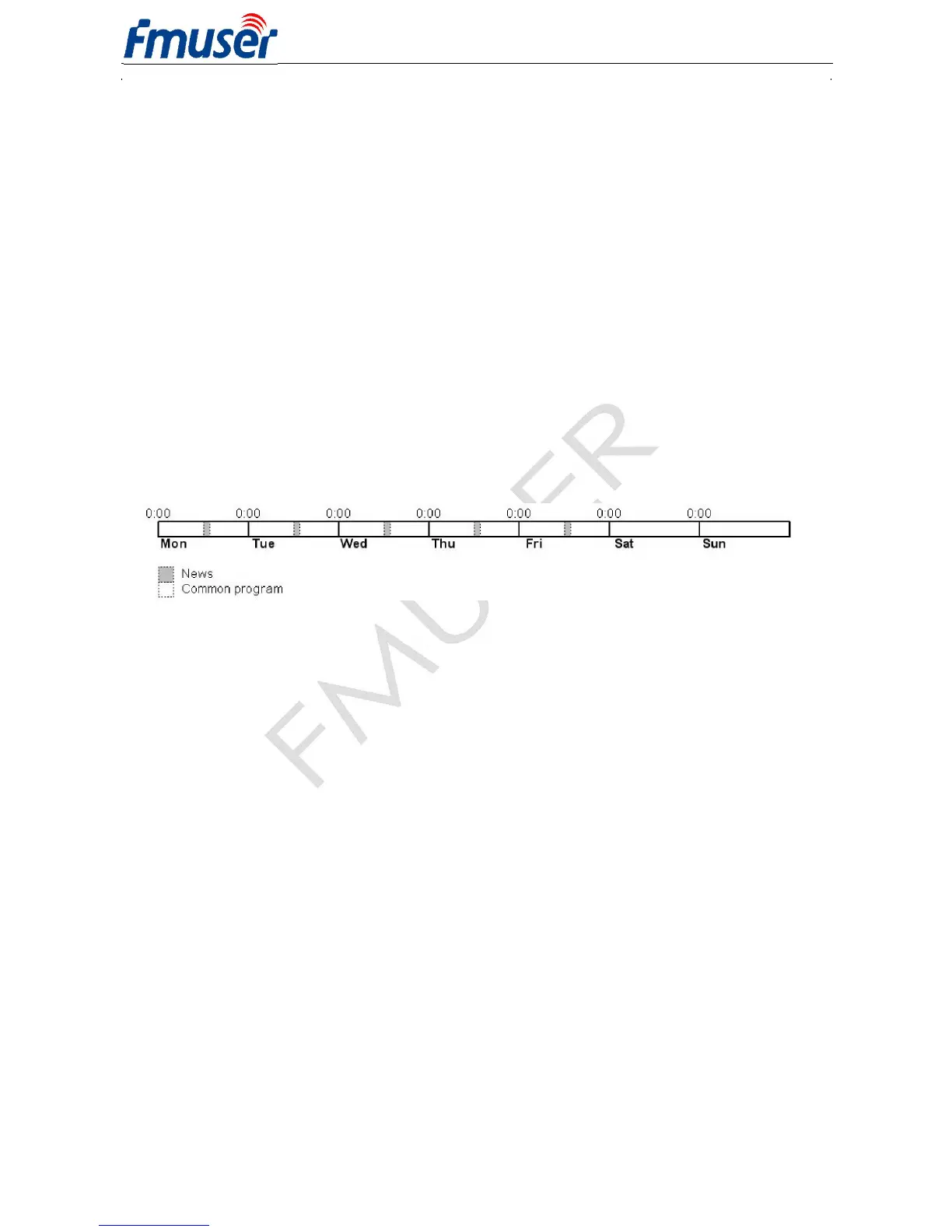
Let’s say that our radio station called ‘PRO 88’ broadcasts news from Monday to Friday at midday. The news
duration is 40 minutes. During the news the PS is set to ‘HOT NEWS’ and the PTY is set to 1 (News). In
common program the PTY is set to 3 (Info).
Scheduling item 01:
Days: Monday, Tuesday, Wednesday, Thursday, Friday
Times: 12:00
PTY: 1 (News)
Command: PS=HOT NEWS
Scheduling item 02:
Days: Monday, Tuesday, Wednesday, Thursday, Friday
Times: 12:40
PTY: 3 (Info)
Command: PS=PRO 88
8.1.3 Text messages scheduling
Although it’s possible to change directly the Dynamic PS and Radiotext (using an appropriate command, for example
RT2=The best music in the city), the maximum text length is limited since maximum command length in each
Scheduling item is 35 characters. For longer texts you may use indirect method based on the bank of Messages:
1. Store the text as a Message, for example Message 01.
2. In the Scheduling call the message number, for example RT2MSG=1 or DPS2MSG=1.
The Windows control application provides easy GUI for this case.
8.1.4 Troubleshooting
If the scheduling doesn’t work as expected, check the following points:
Scheduling enabled?
Date and Time actual?
Commands typed right?



 To Next Page