907-0601-00 Rev. C Model 907 Video/Data Multiplexer – User’s Guide
Focal Technologies Corp. Page 3-19
3.5.2 Console 907-GEM Multiplexer Card (907-GEM-C)
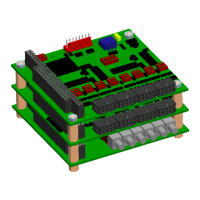
The card views for the 907-GEM-C multiplexer motherboard are identical to the 907-GEM-R shown in Figure
3-19. The console card‟s electrical and optical interfaces are identical to the remote, the only difference is that
pin 1 of the dip switch SW1 needs to be set “ON” for remote configuration (907-GEM-R) or “OFF” for console
configuration (907-GEM-C).
A 907-DIAG-E diagnostic card may be stacked with the 907-GEM-C to obtain critical system diagnostics of
both the remote and console stacks through an Ethernet interface. Diagnostic-specific data accounts for less
than 0.01% of the total throughput from the remote to console, and is transmitted at lower priority than
user-based traffic. More details of the 907-DIAG-E card are provided in the System Modules section.


 To Next Page